Invoice number generator: how to create and automate invoice numbers
September 20, 2026 · 8 min read · By Charles Ugo
invoice
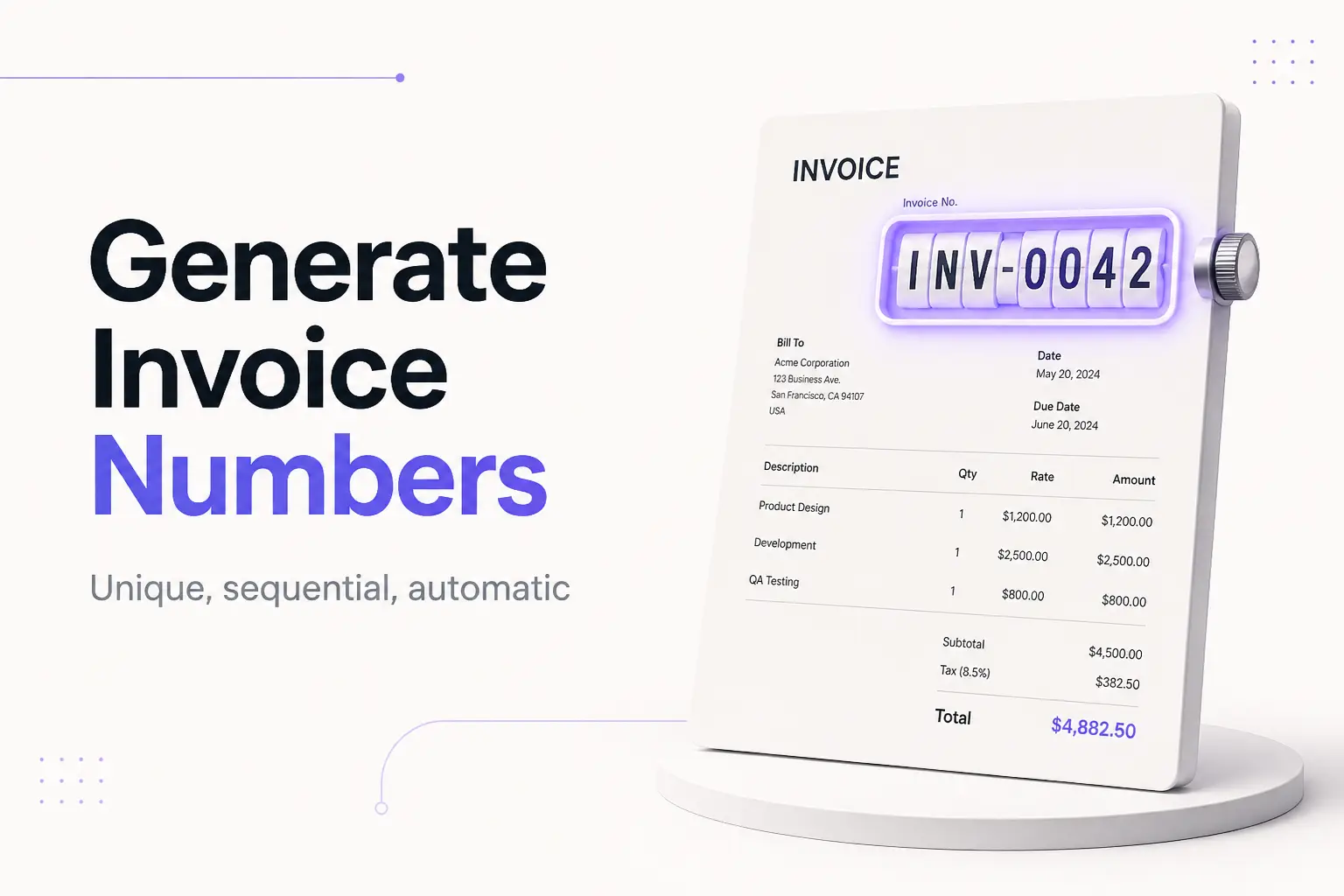
An invoice number generator creates a unique, sequential ID for each invoice you send—so you don't have to remember which number came last or risk using the same one twice. At its simplest it's a rule: take a format like INV-0001, and add one every time. A good generator applies that rule for you automatically, padding the number, keeping the sequence unbroken, and making sure you never reuse an ID.
The fastest way to get one is to skip the setup entirely: our invoice generator assigns the next number in sequence every time you create an invoice, so numbering happens on its own. If you'd rather understand the mechanics—or build your own in a spreadsheet—this guide covers the formats, three ways to generate numbers, a worked Excel formula, and the single rule that keeps your numbering audit-safe.
What an invoice number generator actually does
An invoice number is the short code near the top of every invoice—like INV-0042—that identifies exactly which bill you're looking at. A generator's job is to produce the next one correctly, and it does three things a person doing it by memory tends to get wrong:
- Increments by exactly one. Each new invoice gets the previous number plus one. No repeats, no accidental jumps.
- Pads the counter. It turns
42into0042so your invoices sort in order in a folder and look consistent. - Never reuses an ID. Once a number is issued, it's retired—even if that invoice is canceled. This is the rule that protects your records.
That's it. The "generator" can be a formula, a piece of software, or a tool in your browser. What matters is that these three things happen every time, which is exactly where manual numbering tends to slip.
The anatomy of an invoice number
Most invoice numbers are built from three parts, and a generator just assembles them:
| Part | Example | What it does |
|---|---|---|
| Prefix | INV, ACME, WEB | Adds context—your company, the client, or the project |
| Date (optional) | 2026, 202609 | Groups invoices by year or month |
| Counter | 0001, 0042 | The sequential number that increases each time |
Snap those together and you get the common formats:
| Format | Example | Best for |
|---|---|---|
| Sequential | INV-0001 | Solo freelancers, simple billing |
| Year-based | 2026-001 | Grouping invoices by tax year |
| Date-based | 20260920-001 | High-volume senders who want month-level grouping |
| Client-based | ACME-0007 | Agencies with a few steady clients |
| Project-based | WEB-2026-003 | Billing multiple phases of a project |
A few format rules that prevent headaches, whichever pattern you pick:
- Use leading zeros (
0001, not1) so files sort correctly and the number has room to grow. - Avoid symbols like
#,&, or@—some accounting tools reject them. - Stay consistent. Don't switch formats mid-year; pick one and keep counting.
There is no single required format in the US—the invoice itself isn't governed by a federal template, so readability and uniqueness are the only real constraints. (More on the international exception below.)
Three ways to generate invoice numbers
1. By hand, in a log. Keep a spreadsheet or note with one row per invoice: number, client, date, amount, date paid. When you send a new invoice, copy the next number in. This is free and fine for a few invoices a month—the log is also your paper trail, which the IRS expects you to keep to support your income and deductions.
2. With a spreadsheet formula. Excel or Google Sheets can build a list of numbers for you (worked example below). Good when you want to pre-generate a batch, less good for a live template—more on that limitation shortly.
3. Automatically, with a tool. An invoicing tool or a browser generator increments the number itself with every invoice, so you never touch it. This removes the two errors that hurt most: repeating a number and skipping one.
Which you need depends on volume. One or two invoices a month? A log is plenty. Billing steadily? Let a tool do it.
Worked example: generate a batch in Excel
Say you want a column of formatted numbers—INV-0001 through INV-0100—to paste into a log.
1. In cell A2, enter:
="INV-"&TEXT(ROW()-1,"0000")
Two functions do the work. ROW() returns the current row number; subtracting 1 makes row 2 produce 1. The TEXT function wraps that in the "0000" pattern, which is what pads 1 into 0001. The & joins your INV- prefix to the front.
2. Copy A2 down to A101. You now have INV-0001 to INV-0100, correctly padded and in order.
Want the year in there? Change the formula to:
=TEXT(2026,"0")&"-"&TEXT(ROW()-1,"000")
That gives 2026-001, 2026-002, and so on.
The catch with live templates. This works for a static list. But a saved invoice template can't safely auto-increment with a plain formula—every time the file recalculates, ROW() and any counter would rewrite the number on old invoices too. Persistent auto-increment in Excel needs a VBA macro (a small script that bumps a stored number each time the file opens), which is more setup than most people want. That's the practical reason the one thing spreadsheets automate badly is invoice numbering—and why a dedicated tool is worth it once you're sending regularly. For the full spreadsheet build, see how to generate an invoice in Excel and automated invoice templates.
Worked example: let a generator do it
Here's the same job with zero formulas.
- Open our invoice generator and fill in your details and line items.
- The invoice number is filled in for you—say
INV-0001. - Create the next invoice, and it reads
INV-0002automatically. The counter, the padding, and the "never reuse" rule are all handled.
You get a clean PDF at the end with the number already in the header, in the right spot. No log to maintain by hand, no macro to write, no chance of typing 0041 twice. If you just need a few formatted numbers to drop into your own system, a standalone free invoice generator or one of the browser "invoice number generator" tools will spit out a sequence too—but if you're making the actual invoice anyway, generating the number as part of that is the shorter path.
Sequential, gapless, unique: what the rules really are
Three words come up constantly around invoice numbering. Here's what each actually requires in the US:
Sequential — recommended, not required. US law doesn't mandate that your numbers run in order. But a clean sequence is the easiest system to keep and the friendliest to an auditor, because a missing number stands out. Nearly every generator defaults to sequential for this reason.
Gapless — a foreign requirement, not a US one. Some tax systems abroad—across much of the EU, for instance—require invoice numbers to form a continuous series with no gaps. The US has no such federal rule. Still, if you bill international clients or ever might, keeping the sequence gapless costs nothing and keeps you covered. If you do skip a number by accident, jot down why in your log.
Unique — the one hard rule everywhere. Every invoice gets its own number, full stop. A number is retired permanently once used, even if the invoice was voided, canceled, or never paid. This is the rule a generator exists to protect, and the one manual numbering breaks most often.
This is general information, not legal or tax advice.
Common mistakes an invoice number generator prevents
Reusing a number. The most damaging error. Two invoices with the same ID break payment matching and can look like a hidden transaction in a review. A generator retires each number automatically; by hand, it's easy to reuse a canceled invoice's number without thinking.
Skipping without a note. An unexplained gap in your sequence can raise questions. Automated numbering doesn't skip; if you number by hand and do miss one, record why.
Dropping the leading zeros. INV-1, INV-2 … INV-10 sort in the wrong order in a folder and look unfinished. Padding to INV-0001 fixes both. The TEXT pattern above does this for you.
Resetting to 001 each January with no year. Reset the counter every year without a year prefix and you'll end up with several invoices numbered 001. Either keep one running sequence or bake the year into the format (2026-001).
Putting your SSN anywhere near the number. An invoice never needs your Social Security number—it's an identity-theft risk and not a required field. If a client needs a tax ID, that's handled on a W-9, not printed on the invoice.
The bottom line
An invoice number generator does one small job well: it hands you the next unique, correctly padded number every time, so you never repeat or skip one. You can run the rule yourself in a log, pre-build a batch with a spreadsheet formula, or let a tool increment for you. For a one-off list, the Excel TEXT-and-ROW formula is quick. For anything you send regularly, generating the number as part of the invoice is simpler and safer—our invoice generator does exactly that, and hands you a finished PDF with the number already in place.