Free invoice generators: the best tools to create invoices at no cost
August 9, 2026 · 10 min read · By Charles Ugo
invoice
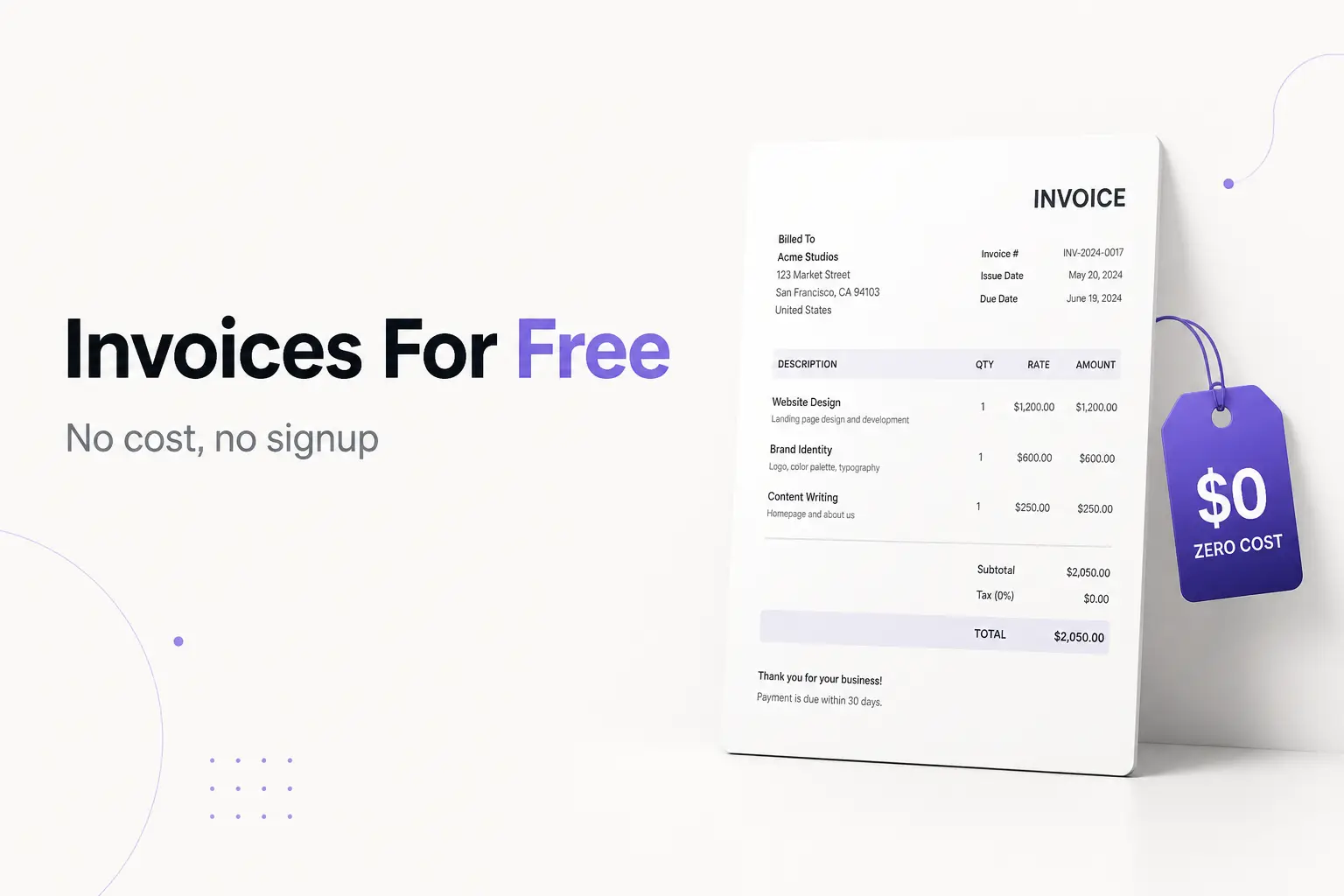
Yes—you can create a professional invoice for free, download it as a PDF, and send it to a client in a couple of minutes, without buying software or signing up for anything. A free invoice generator is a web tool that formats the invoice, does the math, and hands you a print-ready file. The catch is that "free" means different things across tools: some are genuinely free forever, and some are free samples that nudge you toward a paid plan. This guide sorts out which is which, shows you exactly how to make one, and flags the traps.
The fastest route is our own free invoice generator: fill in your details, watch the live preview update, and download a clean PDF—no signup, no watermark, and your data stays in your browser.
What a free invoice generator actually does
An invoice is the document you send after work is done to request payment. A generator is just a form that turns your inputs into that document. You type in:
- Your details — name (or business name), address, email.
- Your client's details — who's being billed.
- A unique invoice number — for your records.
- Dates — the invoice date and the due date.
- Line items — each service or product, with a quantity and a rate.
The tool multiplies quantity by rate, adds up the lines, applies any tax or discount, and shows a formatted invoice. When it looks right, you download a PDF or email it. That's the whole job. It doesn't install anything, and a good one doesn't ask for a login.
What a plain generator does not do is remember your invoices or tell you who has paid. That's the line between a generator (make a file, done) and invoicing software (an account that stores and tracks everything). Both have free options—more on that below.
Are free invoice generators really free?
Mostly yes, but read the fine print. There are two models:
Truly free. You create, download, and send as many invoices as you want, with no account, no card, and no logo stamped on the PDF. This is ideal for freelancers, side-hustlers, and anyone who bills occasionally. Our generator is in this camp.
Freemium. The tool is free up to a limit, then asks you to pay. Common limits:
- A cap on free invoices — for example, QuickBooks' free generator lets you send a small number of invoices before you need a paid plan.
- A watermark or branding on the free tier that you pay to remove.
- Signup required before you can download—so the "free" tool is really a free trial of an account.
None of that is bad, but it's worth knowing before you build your billing habit around a tool that will start charging. If you only need a clean PDF now and then, a truly free generator or a free template is all you need.
The best free invoice generators in 2026
Here's an honest rundown. We list ours first because it's built for exactly this—fast, unbranded, no signup—but the others are genuinely useful, and a couple are a better fit if you want built-in tracking.
| Tool | Free to download? | Signup? | Best for |
|---|---|---|---|
| InvoicePDF.io (ours) | Yes, unlimited, no watermark | No | A clean PDF invoice, fast, nothing stored |
| Wave | Yes | Yes (account) | Free invoicing + basic accounting and tracking |
| Zoho Invoice | Yes | Yes (account) | Free tracking, reminders, and reports |
| QuickBooks generator | Limited free invoices | Partial | Users already in the QuickBooks ecosystem |
| Wise | Yes | No | Invoicing when you also want international payouts |
| Canva | Design-focused; some templates gated | Yes | People who want heavy visual customization |
A few notes on the standouts:
- Ours is the shortest path from "I need an invoice" to a downloaded PDF. No account, no branding, your data never leaves the browser. Pair it with our invoice templates if you want a specific look.
- Wave and Zoho Invoice are free software, not just generators—they keep your invoices in an account so you can see what's paid and send reminders. If tracking matters, start there. See Wave's tool and Zoho Invoice.
- QuickBooks' free generator is handy if you're already a QuickBooks user, but the free tier caps how many invoices you can send.
- Wise's generator is a good fit if you invoice international clients and want to get paid across currencies.
- Canva is worth it only if you want to fuss over the design—overkill for a standard invoice, and some assets sit behind a paywall.
If you'd rather not use a web tool at all, a downloadable template works too: we have free Word and Google Docs invoice templates you can fill in offline.
How to create a free invoice: a worked example
Say you're Maria Lopez, a freelance web designer, billing a client for a landing page. Here's the whole flow in a free generator.
1. Add your details (the "from"). Maria isn't incorporated, so she invoices under her legal name—you don't need a registered business to invoice.
Maria Lopez
482 Oak Street, Austin, TX 78701
maria@example.com
2. Add the client (the "bill to").
Brightway Coffee Co.
attn: Sam Rivera
1120 Congress Ave, Austin, TX 78701
3. Number it and set dates. Give it a unique number—never reuse an invoice number, even for a canceled invoice. She uses INV-2026-014. Invoice date: August 9, 2026. Terms: Net 15, which means payment is due 15 days after the invoice date—so the due date is August 24, 2026.
4. Add line items. The generator does the multiplication and the total.
| Description | Qty | Rate | Amount |
|---|---|---|---|
| Landing page design | 1 | $1,200 | $1,200 |
| Mobile responsive build | 1 | $600 | $600 |
| Stock photo licensing | 3 | $15 | $45 |
| Total | $1,845 |
5. Handle tax honestly. Maria's work is a service. Whether she adds sales tax depends on her state and the type of work—there's no federal sales tax in the US, and many services aren't taxed at all. This is general information, not tax advice; the IRS self-employment center is the place to start, and your state's rules decide the sales-tax question. In Maria's case she leaves it off.
6. Add payment instructions. "Pay by bank transfer to… " or "Zelle to maria@example.com." Clear instructions get you paid faster.
7. Preview and download. Check the numbers, download the PDF, and email it. Done—no account, no charge.
A second example: a one-line service invoice
Not every invoice needs five lines. Say you're Dev Patel, a photographer billing for a single shoot:
| Description | Qty | Rate | Amount |
|---|---|---|---|
| Product photo session (half day) | 1 | $450 | $450 |
| Total | $450 |
Same steps: your details, the client's, a unique number, Net 30 (due 30 days after the invoice date), one line item, and how to pay. A free generator handles a one-item invoice just as easily as a ten-item one.
Free generator vs. free template vs. free software
Pick the tool by what you actually need:
- Free generator — the fastest way to make and download one clean invoice. No memory of past invoices. Best when you bill occasionally and track payments yourself.
- Free template (Word, Google Docs, Excel) — a file you fill in and reuse offline. Good if you want to work without a website and keep everything in your own folders. Grab ours from the templates library.
- Free invoicing software (Wave, Zoho Invoice) — an account that stores invoices, shows what's paid, and sends reminders. Best when you bill regularly and want the admin handled. You trade a signup for the tracking.
Many freelancers run the simplest combo that works: a generator or template for the invoice, plus a spreadsheet to note what's been paid.
Is it safe to use a free invoice generator?
Generally yes, with a few sensible checks:
- HTTPS. Make sure the padlock shows in your address bar so your data is encrypted in transit.
- Where your data goes. Prefer tools that build the invoice in your browser and don't store it on a server. Ours does exactly that.
- Read the privacy policy on anything that makes you sign up—an account means your data lives on their servers.
- Never put your Social Security number on an invoice. It isn't a required field, and it's an identity-theft risk. Your name, contact info, and payment details are enough. If a business needs your taxpayer ID for recordkeeping, that belongs on a W-9, not on the invoice.
Common mistakes to avoid
- Reusing an invoice number. Every invoice needs a unique one, even after a void—duplicates break your records at tax time.
- Misreading the terms. "Net 15" means 15 days from the invoice date, not by the 15th of the month.
- Leaving off the due date. "Due upon receipt" or a firm date both beat silence. No date, no urgency.
- Assuming you must charge sales tax. It's state- and transaction-dependent; don't add it by reflex, and don't assume it's never owed either.
- Downloading a watermarked PDF. Check the preview—some "free" tools brand the output. A professional invoice shouldn't advertise the tool that made it.
- Waiting to invoice. The clock on getting paid doesn't start until you send it. Make it the same day the work ships.
The bottom line
You do not need to pay for software to send a professional invoice. A free invoice generator turns a two-minute form into a clean PDF, and a good one asks for no account, adds no watermark, and keeps your data in your browser. Use a truly free generator or template when you bill now and then; step up to free invoicing software when you want tracking and reminders built in. Ready to make one? Start with our free invoice generator or browse the template library.
Frequently Asked Questions
Are free invoice generators actually free? Some are fully free; others are "freemium." A true free generator lets you create, download, and send unlimited invoices with no signup, no watermark, and no card required. Freemium tools give you a limited number of free invoices and then push a paid plan. Check what "free" covers first.
How do I create an invoice for free? Open a free generator in your browser, enter your details and your client's, give it a unique number and a due date, and list each item with a quantity and rate. The tool totals it, then you download the PDF or email it—no installation.
Is it safe to use a free invoice generator? A reputable one is. Confirm the site uses HTTPS, read its privacy policy, and prefer tools that build the invoice in your browser instead of storing your data. Never put your Social Security number on an invoice.
Do free invoice generators track invoices and payments? Simple generators just make a PDF—tracking is on you. For automatic tracking, reminders, and reports, use free invoicing software like Wave or Zoho Invoice, which keep your invoices in an account.
Do I need to sign up or enter a card? Not for a true free generator. Signup is only needed by tools that also store and track invoices. If a "free" tool wants card details before you can download, that's a red flag.
Can I use one if I'm not a registered business? Yes. A sole proprietor can invoice under their own legal name—no LLC or license required. This is general information, not legal advice.