AI invoice generator: how to create invoices automatically in seconds
September 19, 2026 · 14 min read · By Charles Ugo
invoice
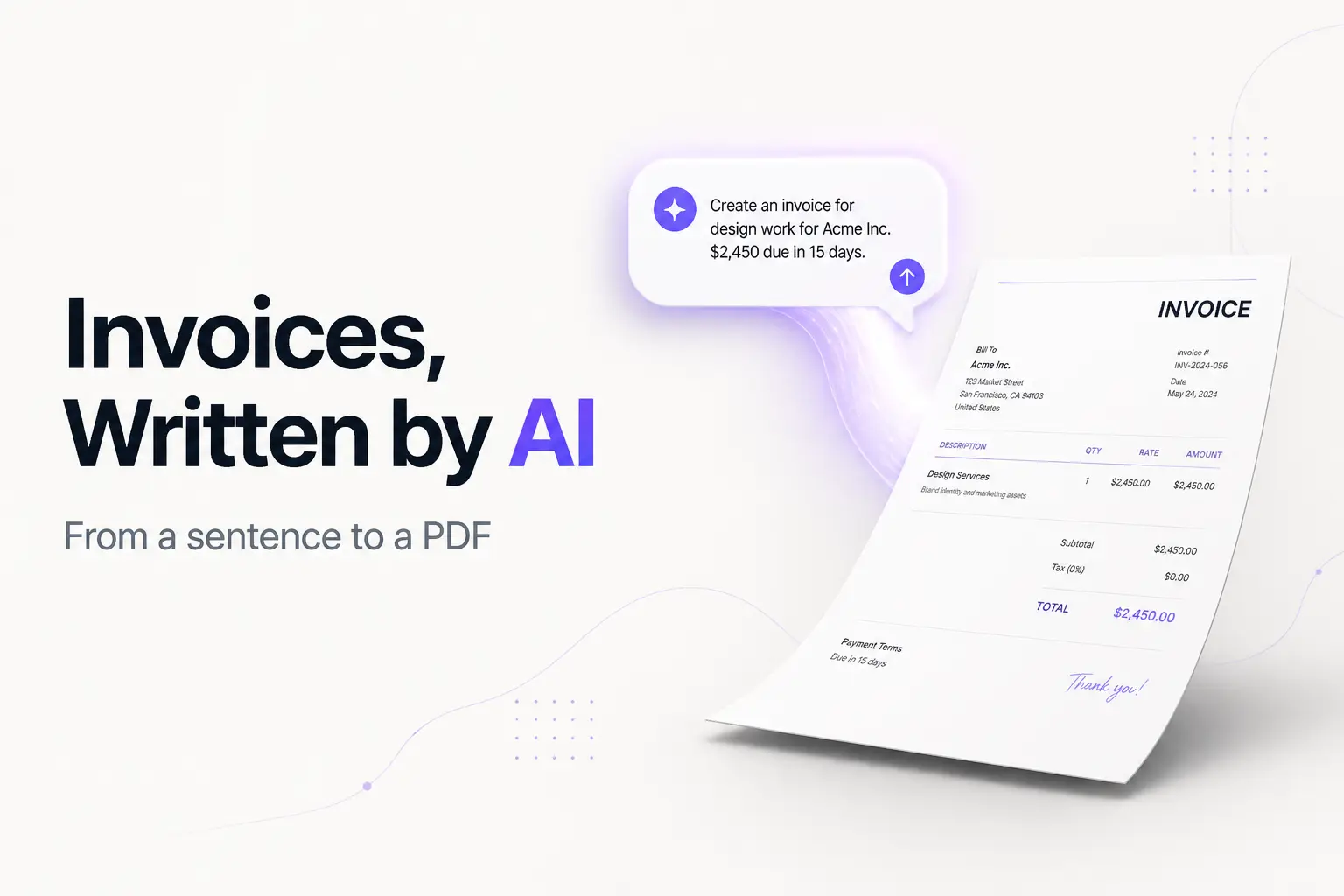
An AI invoice generator turns a plain-English description of your work into a finished, itemized invoice in seconds. You type something like "Bill Acme Corp $2,500 for a website redesign, due in 30 days," and the tool reads it, pulls out the client, the amount, and the terms, lays them into a professional invoice, does the math, and hands you a document to send. No blank form to fill field by field.
That's the promise, and for the routine parts of invoicing it delivers. The honest catch: the AI is fast at the wording and the layout, and only usually right on the numbers—so there's one step you can never skip. This guide shows you how AI invoice generators actually work, walks through two real examples, lists the best tools, and flags where they bite people.
If you'd rather skip the prompt entirely, our free invoice generator gives you the same speed—it auto-calculates totals and taxes, formats a clean PDF, and needs no signup—without pasting your client's details into a chatbot.
What an AI invoice generator is
An invoice is the document you send after work is done to request payment: who owes what, for which work, and by when. A plain invoice generator is a form that turns your typed inputs into that document. An AI invoice generator adds one thing on top: instead of filling each field yourself, you describe the job in ordinary language and the AI fills the fields for you.
So the difference between a normal generator and an AI one is the input method, not the output. Both produce the same kind of invoice. A template or standard generator asks you to type into labeled boxes—"client name," "rate," "quantity." An AI tool reads a sentence and figures out which box each detail belongs in. That's the whole trick, and it's genuinely useful when you'd rather talk than fill a form.
It helps to separate two flavors you'll run into:
- Chat-style AI (ChatGPT and GPT-based tools). You prompt it, it writes the invoice as text or a table. Flexible, but it doesn't produce a branded PDF on its own and its math isn't guaranteed. We cover this route in depth in our ChatGPT invoice guide.
- Purpose-built AI generators (tools designed only for invoicing). You describe the job, they output a formatted, downloadable invoice, often with saved client details and reliable calculations. Closer to a finished product.
How the AI actually works
Under the hood, an AI invoice generator leans on natural language processing—the branch of AI that lets software read human sentences and extract meaning. Here's the pipeline in plain terms:
- It reads your description. NLP parses your sentence and tags the pieces: this token is a client name, this is a dollar amount, "due in 30 days" is a payment term, "12 hours at $150" is a line item with a quantity and a rate.
- It maps those pieces to invoice fields. The client goes in "bill to," the amount becomes a line item, the term becomes a due date calculated from today.
- It does the arithmetic. Quantity times rate for each line, a subtotal, any tax or discount, and a grand total.
- It formats the document. Dates, currency, and layout get standardized into a clean invoice you can preview and download.
Two caveats worth understanding. First, the reading step is a probability guess, not a lookup—if your sentence is ambiguous ("500 for design"), the AI decides whether that's a quantity, an hourly rate, or a flat fee, and it can guess wrong. Second, the arithmetic in chat-style tools is generated the same way the words are, which is why totals occasionally come out wrong. Purpose-built generators usually run the math with real formulas instead, so they're more reliable on numbers. Either way, you check before you send.
How to create an invoice with AI, step by step
1. Gather your details first. AI fills gaps by guessing, so give it everything:
- Your business name (a sole proprietor can invoice under their own legal name—you don't need an LLC), address, and email.
- The client's name and address.
- An invoice number and the issue date.
- The payment terms. Net 30 means payment is due 30 days after the invoice date, not by the 30th of the month.
- Each line item: a clear description, a quantity, and a rate.
- How you want to be paid.
2. Write one specific prompt or fill one clear description. Vague input gets a vague invoice. Put every field in a single message.
3. Review the draft against your details. Read every field. Did it map the client and the amounts correctly? Did it invent an invoice number? (It often does—keep your own sequence so nothing repeats; you should never reuse an invoice number, even on a voided invoice.)
4. Check the math by hand. Quantity times rate, the subtotal, the tax line, the total. This is the non-negotiable step. Thirty seconds here saves an embarrassing correction email.
5. Brand it and download the PDF. Add your logo, confirm the layout, and export. A wall of unstyled text reads as unprofessional; a clean PDF gets paid faster.
6. Send and note the due date so you can follow up if it goes unpaid. Our guide to sending an invoice covers the wording.
Worked example 1: a freelancer, from one sentence
Say you're Maya Cruz, a freelance designer billing a café for a logo. You describe the job to an AI generator:
Invoice Riverside Cafe (12 Main St, Austin TX) from Maya Cruz Design,
maya@example.com. Logo design with 3 concepts and revisions, $2,000.
Brand style guide, $450. Invoice INV-0042, issued today, Net 30, pay by
bank transfer.
The AI reads that and produces:
| Description | Qty | Rate | Amount |
|---|---|---|---|
| Logo design (3 concepts + revisions) | 1 | $2,000.00 | $2,000.00 |
| Brand style guide | 1 | $450.00 | $450.00 |
| Subtotal | $2,450.00 | ||
| Total due | $2,450.00 |
Plus a header with both addresses, the invoice number, an issue date, a due date 30 days out, and a note like "Payment due within 30 days via bank transfer. Thank you!"
Now check it. $2,000 + $450 = $2,450. Correct. The client and terms mapped right. Add the logo, export the PDF, send. Total time: under a minute.
Worked example 2: hourly work with sales tax
This time you're North Line Consulting, billing hours, and your work is taxable in your state. The description:
Bill Delta Logistics from North Line Consulting, invoices@example.com.
Process audit, 12 hours at $150/hour. Workflow documentation, 5 hours at
$120/hour. Invoice INV-2026-118, Net 15, apply 8.25% sales tax, pay by ACH.
Expected output:
| Description | Hours | Rate | Amount |
|---|---|---|---|
| Process audit | 12 | $150.00 | $1,800.00 |
| Workflow documentation | 5 | $120.00 | $600.00 |
| Subtotal | $2,400.00 | ||
| Sales tax (8.25%) | $198.00 | ||
| Total due | $2,598.00 |
Verify every number. 12 × $150 = $1,800. 5 × $120 = $600. Subtotal $2,400. Tax: $2,400 × 0.0825 = $198. Total $2,598. All correct here—but this tax-and-hours combination is exactly where chat-style AI slips, so recompute it every time.
One note on that tax line: whether you charge sales tax at all depends on your state and what you're selling, and many services aren't taxable. Sales tax is a US concept—there's no VAT in the US. Treat this as general information, not tax advice, and confirm your own rules before adding a tax line. The AI will happily apply whatever rate you name, right or wrong.
The best AI invoice generators in 2026
An honest rundown. We list ours first because for most people it's the shortest path from "I need an invoice" to a downloaded PDF—but a few others are a better fit if you want built-in tracking or you specifically want to prompt a chatbot.
| Tool | How it works | Free? | Best for |
|---|---|---|---|
| InvoicePDF.io (ours) | Fast form + auto-math, live preview | Yes, no signup, no watermark | A clean PDF now, nothing stored on a server |
| QuickBooks AI generator | AI pulls your logo and brand colors from your site | Limited free invoices | Users already in the QuickBooks ecosystem |
| ChatGPT / GPT tools | You prompt, it writes text you paste elsewhere | Free tier | Drafting wording when you're staring at a blank page |
| Wave | Full invoicing with an account | Yes (account) | Free invoicing plus tracking and reminders |
| Zoho Invoice | Full invoicing with an account | Yes (account) | Tracking, recurring invoices, and reports |
A few notes:
- Ours does the two things people actually want from "AI"—it calculates for you and formats a clean PDF—without a chatbot, an account, or your data leaving the browser. Pair it with our invoice templates if you want a specific look, or see our roundup of free invoice generators for the wider field.
- QuickBooks' AI generator can auto-pull your branding from your website, which is a nice touch if you're already paying for QuickBooks—but the free tier caps how many invoices you can send.
- Chat tools are best for drafting language fast. They don't store your clients, keep your numbering, or hand you a branded PDF—finish the job in a real tool. Our ChatGPT invoice guide has the exact prompts.
- Wave and Zoho Invoice are free invoicing software, not just generators—they store your invoices, mark them paid, and chase late ones. Start there if you bill regularly and want the admin handled.
If you like the "it fills itself in" feeling but don't want AI at all, a smart spreadsheet does the same job—see our automated invoice template guide.
Where AI invoice generators fall short
The marketing says "100% accuracy" and "invoices in seconds." Both are half-true. Here's the reality:
- The math isn't always right. Chat-style tools generate numbers as text and can slip. This is the single biggest risk, and it's quiet—a wrong total doesn't announce itself.
- They guess when you're vague. "500 for the shoot" might become a quantity, a rate, or a total depending on the tool's read. Precise input prevents this.
- No memory, in simple tools. A generator doesn't store your clients, your logo, or your last invoice number. You re-describe everything each time unless the tool has accounts.
- Tax is your call, not the AI's. It applies the rate you give it. It doesn't know whether your service is taxable in your state, and getting that wrong is on you.
- Privacy trade-off. Pasting real client details into an AI chatbot sends that data off your machine. For sensitive work, that's a reason to prefer a tool that builds the invoice locally.
Is it safe to use an AI invoice generator?
Generally yes, with a few sensible checks:
- HTTPS. Confirm the padlock shows in your address bar so your data is encrypted in transit.
- Read the privacy policy on any tool that stores data or that you sign into—especially chat-style AI, where your input may be retained or used to improve a model. Use placeholders like
[Client Name]while drafting, then fill real details in your own tool. - Prefer local processing. Tools that build the invoice in your browser keep the most data on your side. Ours does exactly that.
- Never put your Social Security number on an invoice. It isn't a required field and it's an identity-theft risk. Your name, contact info, and payment details are enough. If a client needs your taxpayer ID, that belongs on a W-9, not the invoice—and the IRS expects you to keep your invoices as income records either way.
Common mistakes to avoid
- Trusting the total blindly. Recompute every line. AI math errors are quiet and embarrassing.
- Letting the AI invent invoice numbers. Keep your own sequence (INV-0001, INV-0002…) so nothing repeats and your books reconcile.
- Feeding it a vague description. Ambiguous input gets mis-mapped. One clear sentence with every field beats three lazy ones.
- Pasting sensitive data into a chatbot. Client financials, your SSN—don't. Use placeholders and finish in a private tool.
- Sending the raw text. A bare table or unstyled block reads as unprofessional. Always export a clean PDF.
- Assuming it charged the right tax. The AI applies whatever rate you name. Confirm your state's rules yourself.
If you've never built an invoice from scratch, our beginner's guide to writing an invoice walks through every field in plain English.
The bottom line
An AI invoice generator is a real time-saver for the boring parts of billing: it reads a plain description, fills the fields, does the arithmetic, and formats a clean document in seconds. Use it to beat the blank page and skip the typing. Just don't hand it your judgment—check every number, keep your own invoice numbering, and confirm the tax line yourself. Draft fast, verify carefully, then send something clean.
Ready to make one? Our free invoice generator gives you the speed of AI—auto-math, clean PDF, no typing marathon—with no signup and nothing stored on a server. Or browse the template library if you'd rather work from a file.
Frequently Asked Questions
Can AI create invoices automatically? Yes. You describe the job in plain English—who the client is, what you did, the amount, and when it's due—and the AI turns that into a structured, itemized invoice with a subtotal, tax, and total in seconds. It also fills in dates and formats currency. The one thing to do yourself is check the math and the tax line before you send, because AI can occasionally get a number wrong.
Is there a free AI invoice generator? Yes, several. Many tools let you create and download an invoice at no cost, though some cap how many free invoices you can send or add a watermark until you upgrade. Our invoice generator is free with no signup and no watermark, and it does the calculating and formatting for you—the same time-savers an AI tool sells, without pasting your details into a chatbot.
How do I make an invoice with AI? Open an AI invoice tool, then type one clear sentence with every detail: your business name, the client, each service with its quantity and rate, the payment terms, and how you want to be paid. The AI drafts the full invoice. Review it, fix anything off, add your logo, and download the PDF. The more specific your prompt, the less you fix afterward.
Is it safe to use an AI invoice generator? A reputable one is, but treat anything you type into an AI tool as data that may be stored or used to train a model. Read the privacy policy, confirm the site uses HTTPS, and avoid pasting sensitive personal or financial details. Never put your Social Security number on an invoice—it isn't a required field and it's an identity-theft risk. Tools that build the invoice in your browser keep the most data on your side.
Can an AI invoice generator do the math correctly? Usually, but not always. Rule-based generators that simply multiply quantity by rate are reliable. Chat-style AI that writes the invoice as text can occasionally add a line wrong, misapply a discount, or use the wrong tax rate. Always verify quantity times rate, the subtotal, and the final total before sending—a wrong number looks careless and slows down payment.
How is an AI invoice generator different from a regular template? A template is a fixed layout you fill in field by field. An AI generator reads a plain-language description and fills those fields for you, then does the calculating. A template gives you control and no privacy trade-off; AI saves typing when you'd rather describe the job than fill a form. Many people use a smart template or a fast generator and get the same speed without a chatbot.
Can an AI invoice generator track which invoices are paid? Only if it's full invoicing software with an account, not a simple generator. A generator makes the document and stops there—tracking who has paid is up to you. Tools like Wave or Zoho Invoice store your invoices, mark them paid or unpaid, and send reminders. Decide whether you need a file (use a generator) or a system (use invoicing software) before you pick.