ChatGPT invoice: how to create an invoice with AI, step by step
August 26, 2026 · 11 min read · By Charles Ugo
invoice
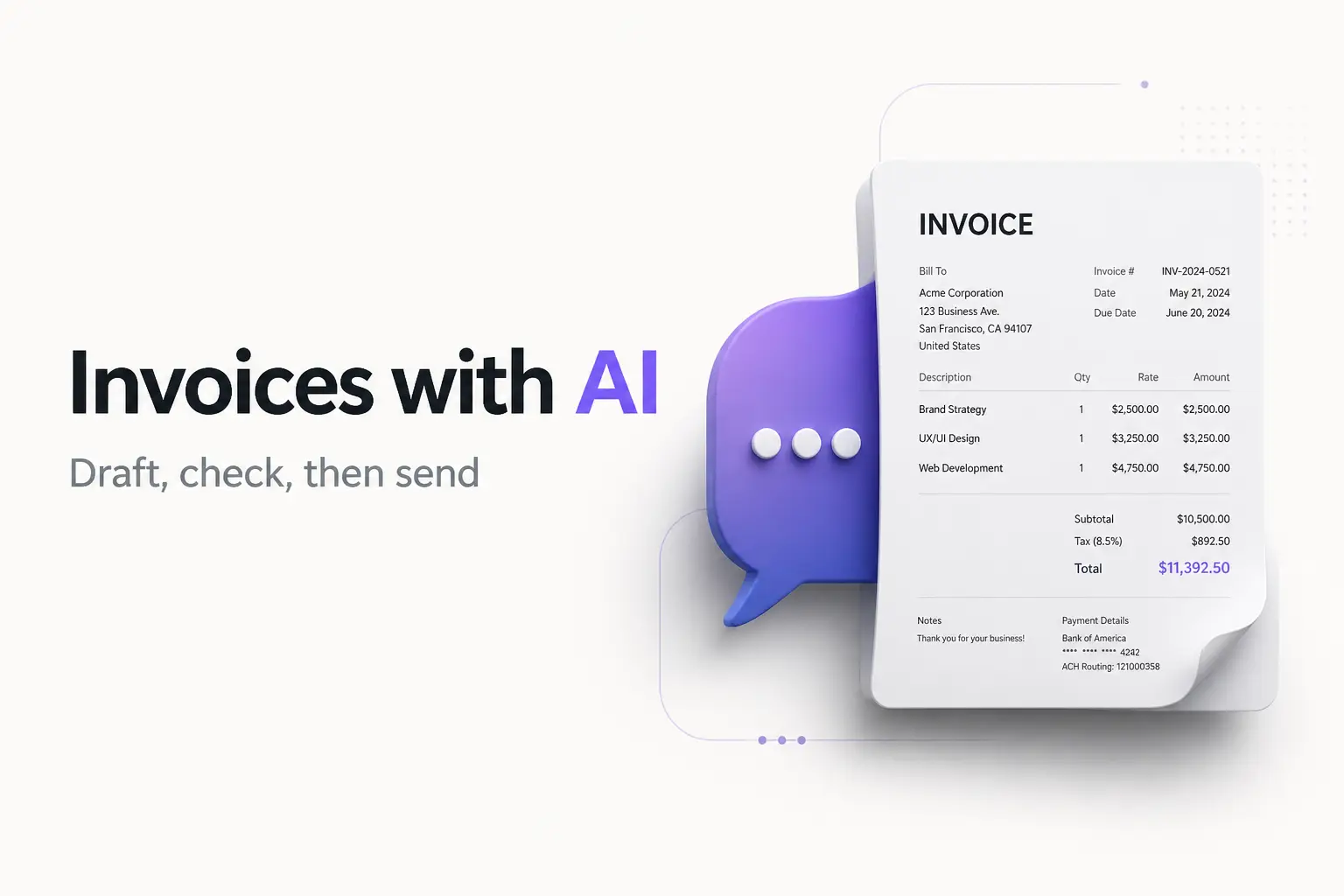
Yes, ChatGPT can write an invoice. Give it a one-line prompt like "Create an invoice for logo design, $2,000, due in two weeks" and it returns a clean, itemized draft in seconds. The catch: it hands you text or a table, not a finished PDF. You still have to copy that draft somewhere—a spreadsheet, a doc, or an invoice generator—to get a professional file you can actually send.
So the honest answer to "can ChatGPT make my invoice?" is: it drafts the wording brilliantly, and it's terrible at the last mile. This guide shows you the exact prompt to use, two worked examples with real output, and the fastest way to turn ChatGPT's draft into a real invoice. If you'd rather skip the copy-paste, our free invoice generator does the whole thing—fill in the fields, download a branded PDF—no prompt required.
An invoice is just an itemized request for payment: who owes what, for which work, and by when. ChatGPT is good at arranging those facts into clean language. Let's put it to work.
What ChatGPT can and can't do for invoices
Set expectations first, because this is where most "how to invoice with ChatGPT" articles go quiet.
What it's genuinely good at:
- Drafting from scratch. Describe the job in plain English and it produces a structured invoice with the right sections.
- Wording payment terms. It writes clear late-fee clauses, deposit terms, and thank-you notes without you fussing over phrasing.
- Formatting a table. Ask for a markdown table and you get columns for description, quantity, rate, and line total that paste cleanly into Sheets or Excel.
- Adjusting on request. "Add 8% sales tax" or "change the terms to Net 15" and it rewrites instantly.
What it can't do (and where it bites people):
- No branded PDF. ChatGPT's output is text. There's no logo, no colors, no consistent layout. If you ask it to generate a file, expect a plain, unstyled PDF you'll still want to redo.
- The math isn't guaranteed. Language models sometimes add totals wrong or misapply a discount. Always check every number before sending.
- No memory of your business. It doesn't store your clients, your logo, or your last invoice number. You re-type everything each time.
- No numbering system. It happily invents an invoice number—and might reuse one. That's a real problem: you should never reuse an invoice number, even on a voided invoice, or your records won't reconcile.
Bottom line: use ChatGPT for the first draft, then finish in a real tool. Now the mechanics.
How to create an invoice with ChatGPT, step by step
1. Gather your details. Before you prompt, have these ready:
- Your business name (a sole proprietor can invoice under their own legal name—you don't need an LLC), address, email, and phone.
- The client's name and address.
- An invoice number and the issue date.
- The due date and payment terms (for example, Net 30 means payment is due 30 days after the invoice date).
- Each line item: description, quantity, and rate.
- How you want to be paid (bank transfer, PayPal, check).
2. Write one specific prompt. Feed all of it in a single message. Vague prompts get vague invoices. A strong template:
Create a professional invoice as a markdown table.

From: [Your Business Name], [address], [email], [phone]
Bill to: [Client Name], [address]
Invoice number: [number]
Issue date: [date]
Due date: [date] (Net 30)
Currency: USD

Line items:
- [description], qty [x], rate [$x]
- [description], qty [x], rate [$x]

Add a subtotal, then a grand total. Include payment
instructions: [bank transfer / PayPal / check].
Add a short, polite payment note at the bottom.
3. Review and refine. Read the draft. Check the math yourself. Ask for changes in plain English—"add 8% sales tax," "make the note friendlier," "add a 1.5% monthly late fee."
4. Move it into a real invoice. Copy the table into a spreadsheet, a doc, or paste the details into an invoice generator and export a clean PDF. This is the step that turns text into something you can send.
5. Send and track. Email the PDF, then note the due date so you can follow up if it goes unpaid.
Worked example 1: a fixed-price project
Say you're a freelance designer billing a client for a logo. Here's the prompt:
Create a professional invoice as a markdown table.
From: Maya Cruz Design, 44 Oak St, Austin TX, maya@example.com
Bill to: Riverside Cafe, 12 Main St, Austin TX
Invoice number: INV-0042
Issue date: August 26, 2026
Due date: September 25, 2026 (Net 30)
Currency: USD
Line items:
- Logo design (3 concepts + revisions), qty 1, rate $2,000
- Brand style guide, qty 1, rate $450
Add a subtotal and grand total, plus payment instructions
(bank transfer) and a polite note.
ChatGPT returns something like this:
| Description | Qty | Rate | Amount |
|---|---|---|---|
| Logo design (3 concepts + revisions) | 1 | $2,000.00 | $2,000.00 |
| Brand style guide | 1 | $450.00 | $450.00 |
| Subtotal | $2,450.00 | ||
| Total due | $2,450.00 |
Plus a header with both addresses, the invoice number, the dates, and a note like "Payment due by September 25, 2026 via bank transfer. Thank you for your business!"
Now check it. $2,000 + $450 = $2,450. Correct. Then paste the whole thing into your invoice tool, add your logo, and export the PDF. Done.
Worked example 2: hourly work with sales tax
This time you're a consultant billing hours, and your work is taxable in your state. Prompt:
Create a professional invoice as a markdown table.
From: North Line Consulting, invoices@example.com
Bill to: Delta Logistics
Invoice number: INV-2026-118
Issue date: August 26, 2026
Due date: September 10, 2026 (Net 15)
Currency: USD
Line items:
- Process audit, 12 hours, $150/hour
- Workflow documentation, 5 hours, $120/hour
Add subtotal, apply 8.25% sales tax, then grand total.
Include ACH payment details and a note.
Expected output:
| Description | Hours | Rate | Amount |
|---|---|---|---|
| Process audit | 12 | $150.00 | $1,800.00 |
| Workflow documentation | 5 | $120.00 | $600.00 |
| Subtotal | $2,400.00 | ||
| Sales tax (8.25%) | $198.00 | ||
| Total due | $2,598.00 |
Verify the numbers. 12 × $150 = $1,800. 5 × $120 = $600. Subtotal $2,400. Tax: $2,400 × 0.0825 = $198. Total $2,598. All correct here—but this is exactly the step where AI sometimes slips, so never skip it.
One note on that tax line: whether you charge sales tax at all depends on your state and what you're selling—many services aren't taxable. Sales tax is a US concept; there's no VAT in the US. Treat this as general information, not tax advice, and confirm your own rules before adding a tax line.
Turn the ChatGPT draft into a real invoice
The draft is text. To send it, pick one of these finish lines:
- Invoice generator (fastest, cleanest). Paste the details into our free invoice generator, add your logo, and download a branded PDF. No formatting, no math worries—it totals for you.
- Spreadsheet. Ask ChatGPT for a markdown or CSV table, paste it into Sheets or Excel, then style it. See our Excel invoice template or Google Sheets template for a ready layout.
- A doc. Copy into Google Docs or Word if you just need something quick and printable.
Whichever you pick, keep a copy for your own records. The IRS expects self-employed people to keep supporting documents like invoices for their income, so save the PDF, don't just fire it off and forget it.
If you've never built one before, our beginner's guide to writing an invoice walks through every field in plain English.
Common mistakes to avoid
- Trusting the total blindly. The single biggest risk. AI math errors are quiet and embarrassing. Recompute every line.
- Letting ChatGPT invent invoice numbers. Keep your own sequence (INV-0001, INV-0002…) so nothing repeats and your books reconcile.
- Pasting sensitive data. Don't type a client's full financial details—or your own Social Security number—into a chat box. Use placeholders, fill real details in your invoice tool. Never put an SSN on an invoice at all.
- Sending the raw text. A wall of unstyled text or a bare table reads as unprofessional and can slow down payment. Always convert to a clean PDF.
- Assuming it saved anything. ChatGPT forgets. Next month you start over unless you keep your own template or use a tool that stores your clients and numbering.
Bonus: how to download your own ChatGPT subscription invoice
Some people searching "ChatGPT invoice" don't want to make one—they want the receipt for their own ChatGPT Plus or Team subscription for an expense report. Quick answer:
- Open ChatGPT and click your profile, then Settings.
- Go to Billing and click Manage subscription—this opens the Stripe billing portal.
- Scroll to Invoice history and click Download on the month you need.
OpenAI's own help page on finding your past ChatGPT invoices has the current steps if the menu has moved. Note the billing@openai.com email is a payment confirmation, not the tax invoice—the real PDF lives in that Stripe portal. A ChatGPT subscription you use for work is generally a deductible business expense, so that PDF is worth saving.
Frequently Asked Questions
Can ChatGPT make an invoice? Yes. Give it a short prompt with your details—your name, the client, the work, the amount, and the due date—and it writes a clean, itemized invoice as text or a table. What it can't do is hand you a finished, branded PDF. You copy its draft into a spreadsheet, a doc, or an invoice generator, then export the PDF from there.
Can ChatGPT create an invoice PDF? Not a polished one on its own. ChatGPT outputs text or a markdown table you paste elsewhere. If you ask it to build a file, it may produce a plain PDF with no logo, no styling, and numbers you still have to check. For a professional PDF, paste the details into a free invoice generator and download from there.
How do I write a good ChatGPT invoice prompt? Give it every field in one message: your business name and contact info, the client's name, an invoice number, the issue date, the due date and terms, and each line item with a description, quantity, and rate. Ask for a total, and tell it your currency. The more you specify, the less you fix afterward.
Is it safe to put client details into ChatGPT? Treat anything you type as data that may leave your machine. Don't paste sensitive personal or financial details you wouldn't share. Use placeholders like [Client Name] for the draft, then fill in the real details yourself in your invoice tool. Never put your Social Security number on an invoice regardless of the tool.
Can ChatGPT do the invoice math? It can, but check it. Language models sometimes add line totals wrong or misapply a discount or tax. Always verify quantity times rate, the subtotal, and the final total by hand or in a spreadsheet before you send. A wrong total on an invoice looks careless and slows down payment.
How do I download the invoice for my own ChatGPT subscription?
That's a different task from making an invoice. Open ChatGPT, go to Settings, then Billing, and open Manage subscription—this opens the Stripe billing portal. Scroll to Invoice history and download the PDF for the month you need. The billing@openai.com email is a payment confirmation, not the invoice itself.
Is ChatGPT the best way to make an invoice? It's great for drafting the wording fast, especially if you're staring at a blank page. But it doesn't save your clients, keep your invoice numbers in order, or produce a branded PDF. For anything you send regularly, a dedicated invoice generator is faster and cleaner. Use ChatGPT for the first draft, then finish in a proper tool.
ChatGPT is a fast, capable ghostwriter for invoices—use it to beat the blank page and word your terms well. Just don't ask it to be your billing system. Draft with AI, check every number, then finish in a tool built for the job. When you're ready to send something clean, our invoice generator takes it from draft to downloadable PDF in a couple of minutes.