Accounts Payable Workflow: A Step-by-Step Guide to the AP Process
October 10, 2026 · 12 min read · By Charles Ugo
invoice
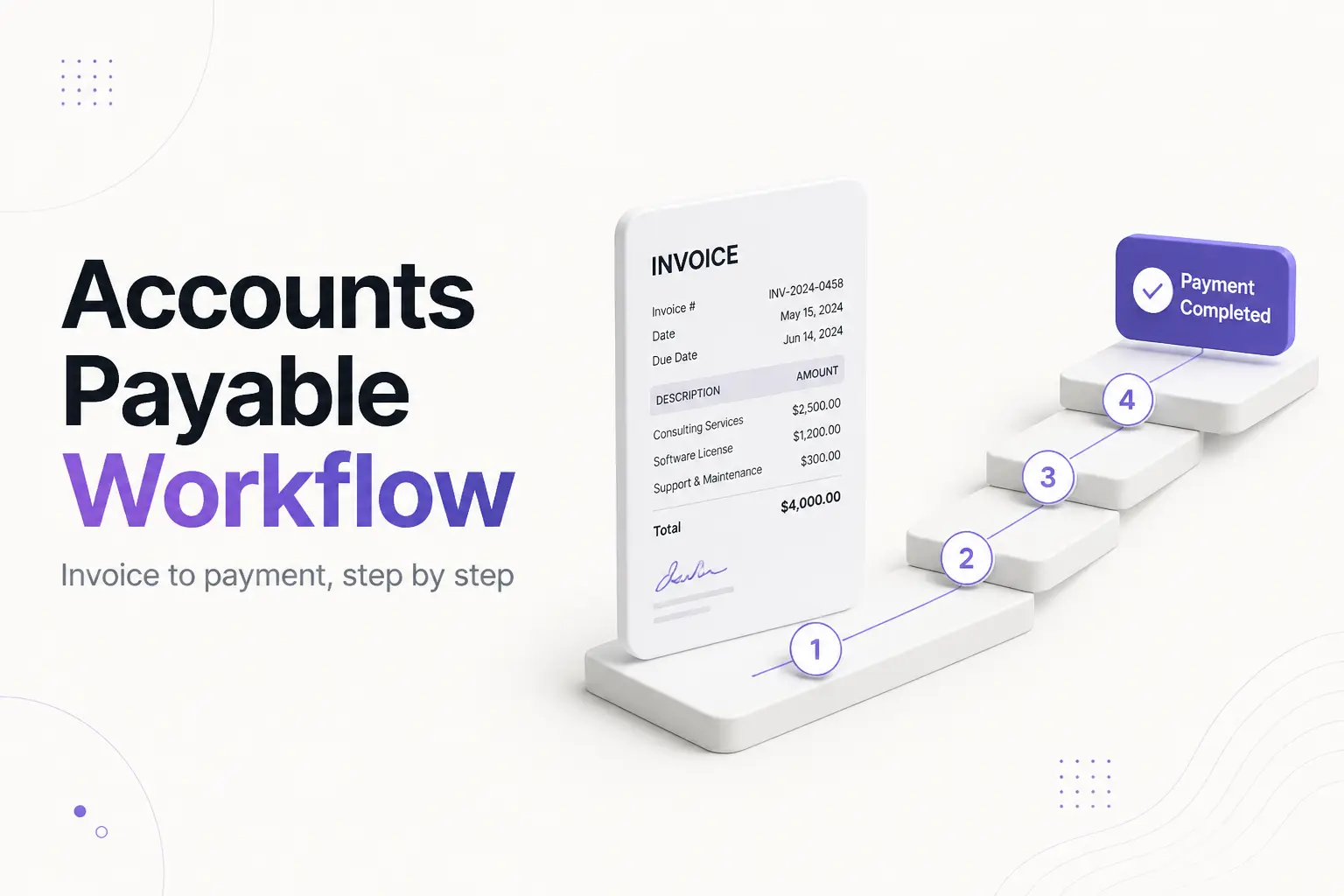
The accounts payable workflow is the series of steps a business follows from the moment a supplier invoice arrives to the moment that invoice is paid and recorded in the books. A standard workflow has seven steps — receive, capture, verify, approve, pay, record, and reconcile — and each one is a control designed to catch an error before money leaves your account.
Get the workflow right and bills get paid on time, no invoice is paid twice, and you never pay for something you did not order. Get it wrong and you get late fees, duplicate payments, annoyed vendors, and a month-end close that never ties out. This guide walks through what the workflow is, the seven steps in order, how three-way matching works, two worked examples, and the mistakes that let bad invoices slip through.
The workflow only works if the invoices going into it are clean. If you are on the sending side too, our free invoice generator creates numbered, itemized invoices that are easy for a customer's AP team to match and approve — the same clarity you want from your own suppliers.
Accounts Payable Workflow: What It Actually Means
Accounts payable is the money your business owes suppliers for goods and services it has received but not yet paid for. Investopedia defines it as a liability — a short-term debt sitting on your balance sheet until you settle it. The workflow is how each of those debts gets checked and cleared.
It helps to separate two words people use interchangeably:
- The AP process is what has to happen. An invoice must be received, checked, approved, paid, and recorded. That never changes.
- The AP workflow is how it happens in your business — who touches each invoice, in what order, what triggers the next step, and where an invoice sits and waits when something is wrong.
Two companies can run the exact same process with completely different workflows. One passes paper invoices between desks and chases approvals over email; the other captures invoices automatically and routes them by rule. Same steps, very different speed and error rate.
The Seven Steps of the Accounts Payable Workflow
Here is the full path, in order. Think of each step as a gate: the invoice only moves forward once it clears the check.
| # | Step | What happens | The control it provides |
|---|---|---|---|
| 1 | Invoice receipt | The invoice arrives by email, mail, or vendor portal and is logged | Nothing gets lost or paid off-book |
| 2 | Data capture & coding | Key fields are entered and assigned to a general-ledger account | The expense hits the right account and cost center |
| 3 | Verification (matching) | Invoice is checked against the PO and receiving record | You only pay for what you ordered and received |
| 4 | Approval routing | The invoice goes to the person who owns that budget | Someone accountable signs off before money moves |
| 5 | Payment | The payment is scheduled and sent on its terms | Bills are paid on time, not early or late |
| 6 | Recording | The payment is booked and the invoice marked paid | Your books show the liability cleared |
| 7 | Reconciliation | The AP ledger is matched to statements at month-end | Errors and duplicates surface every month |
Step 1 — Receive the invoice. The workflow starts the second an invoice lands. The single biggest early win is to route every invoice to one place — a dedicated AP inbox or a vendor portal — instead of letting them scatter across personal email, desks, and text messages. An invoice you cannot find is an invoice you pay late.
Step 2 — Capture and code the data. Someone (or software) pulls the key fields off the invoice: vendor, invoice number, date, amount, and payment terms. Then it gets coded — assigned to the correct general-ledger account, department, or cost center so it shows up in the right place in your books. Consistent coding is what makes your expense reports mean anything.
Step 3 — Verify it. This is the heart of the workflow. Before an invoice is approved, it is checked against the documents that prove the purchase was real and correct. For anything ordered against a purchase order, that check is the three-way match, covered in the next section.
Step 4 — Route it for approval. The verified invoice goes to whoever owns the budget it hits — usually a department manager or the business owner, not the person who entered it. Keeping the approver separate from the recorder is a basic fraud control. Most businesses set limits so a $200 invoice clears fast while a $20,000 one needs a second, more senior signature.
Step 5 — Pay it. Once approved, the payment is scheduled to land on its due date — not the moment it is approved (that gives up cash you could hold) and not late (that costs you fees and goodwill). Remember that Net 30 means 30 days after the invoice date, not the 30th of the month; if you are fuzzy on terms, see what Net 30 means on an invoice.
Step 6 — Record it. The payment is booked in your accounting system and the invoice is marked paid, which clears the liability off your books. Keeping the underlying documents matters here: the IRS expects businesses to keep records that support the deductions on your return, and a paid invoice with its PO and approval attached is exactly that. (This is general information, not tax advice.)
Step 7 — Reconcile. At month-end, the accounts payable ledger is compared against vendor statements, the general ledger, and your bank activity. Anything that does not tie out — a duplicate, a missing payment, a charge you do not recognize — gets chased down. This is accounts payable reconciliation, and skipping it is how errors compound quietly for months.
Three-Way Matching: The Step That Protects the Cash
The verification step (step 3) is where most of the protection lives, and for anything bought against a purchase order the standard control is the three-way match. It compares three documents:
- The purchase order — what you agreed to buy, at what price and quantity. A purchase order is the buyer's official offer, created before anything ships.
- The receiving report (or packing slip) — what actually arrived.
- The vendor invoice — what you are being billed.
If all three agree — you ordered 100 units at $5, you received 100 units, and the invoice bills 100 units at $5 — the invoice is cleared for payment automatically. If any of them disagree, the invoice becomes an exception: a person has to figure out why before a dollar moves.
That single check blocks the three most common ways a business overpays: being billed for goods it never ordered, being billed for goods that never arrived, and being billed at a higher price than agreed. For invoices with no purchase order — a utility bill, a subscription — you fall back to a two-way match, comparing the invoice to the PO or to an approver who confirms the charge is legitimate.
Worked Example 1: A Clean Invoice Runs the Full Workflow
A design studio orders 20 branded notebooks from a supplier.
- Receive — The supplier emails the invoice to
ap@studio.com. It is logged the same day. - Capture & code — The clerk enters it: vendor "PaperCo," invoice #4471, $600, Net 30, coded to Office Supplies.
- Verify — Three-way match: PO #88 says 20 notebooks at $30 = $600. The receiving note confirms 20 arrived. The invoice bills 20 at $30. All three agree.
- Approve — Because it is under the studio's $1,000 fast-track limit, it needs only the office manager's one-click sign-off.
- Pay — The invoice date is October 2, so payment is scheduled for November 1 (Net 30). No cash leaves early.
- Record — On November 1 the payment posts, invoice #4471 is marked paid, and the liability clears.
- Reconcile — At month-end, PaperCo's statement shows the same $600 paid. It ties out. Done.
Total human effort: one entry, one click. That is what a clean workflow looks like.
Worked Example 2: An Exception Gets Caught
Same studio, a bigger order the following month: 500 tote bags.
- Receive & capture — Invoice #4530 arrives for $2,750.
- Verify — Three-way match fails. PO #92 says 500 totes at $5 = $2,500. The receiving report confirms 500 arrived. But the invoice bills $2,750 — the supplier quietly applied a $0.50 price increase that was never agreed.
- Exception — The invoice does not move to approval. It stops. The AP clerk flags the $250 gap and contacts the supplier.
- Resolve — The supplier issues a corrected invoice at the agreed $2,500. It re-enters the workflow, matches cleanly, and is approved and paid.
Without the match, that $250 overcharge sails straight through to payment and is nearly impossible to claw back later. The exception step is not friction for its own sake — it is the workflow doing its job. Across the industry, only around half to two-thirds of invoices match cleanly on the first pass, so exception handling is a normal, expected part of running AP, not a sign something is broken.
Manual vs. Automated Workflows — and When to Switch
A manual workflow — email intake, spreadsheet logging, matching by eye, approvals chased by hand — works fine at low volume. It gets expensive as volume grows. Benchmarking group APQC has pegged the average cost to process a single invoice manually at roughly $13, once you count the staff time across every step; automated, best-in-class teams do it for a fraction of that. The gap is small on 20 invoices a month and enormous on 5,000.
Automation software captures the invoice, reads its fields, runs the match against your PO and receiving data, routes it by your approval rules, and pays the clean ones with little or no human touch — leaving people to handle only the exceptions. The decision is a volume-and-hours question, not a prestige one. If AP eats real hours every week, it is worth pricing tools; if you pay a handful of bills a month, a shared inbox and a simple checklist are enough. We compare the options in our guide to the best AP automation software.
Note that this is the mirror image of getting paid. If your goal is billing customers and collecting on time rather than paying suppliers, you want the accounts receivable side — see accounts receivable automation software.
Common Accounts Payable Workflow Mistakes
- Scattered invoice intake. Invoices arriving to personal inboxes and desks get lost, paid late, or paid twice. One central intake point fixes most of it.
- Paying without matching. Approving an invoice because "it looks right" instead of matching it to a PO and receiving record is how overcharges and phantom invoices get paid.
- The same person enters and approves. No separation of duties is the single biggest fraud opening in small-business AP. Split the two roles even if it is just two people.
- No approval limits. If every invoice needs the owner, small bills stall for days. Set a threshold so routine invoices clear fast and only large ones escalate.
- Duplicate payments. The same invoice paid from both a PDF and a paper copy. Logging every invoice by number at intake — and never reusing invoice numbers — makes duplicates easy to spot.
- Skipping month-end reconciliation. Without it, a duplicate or missed payment hides for months. Reconcile every month, right after statements close.
The Bottom Line
The accounts payable workflow is seven gates: receive, capture and code, verify, approve, pay, record, reconcile. Each one exists to stop a specific error — a lost invoice, a wrong code, an overcharge, an unauthorized payment, a duplicate. Run them in order with clean documents and separated duties, and you pay the right amount to the right vendor at the right time, every time. Start with clean invoices on both sides: our free invoice generator is a fast way to send ones your customers can match and approve without friction.
Frequently Asked Questions
What are the steps in the accounts payable workflow? A standard workflow has seven steps: receive the invoice, capture and code its data, verify it against the purchase order and receiving record, route it for approval, schedule and make the payment, record the payment, and reconcile the AP ledger at month-end. Each step is a control that catches an error before money leaves your account.
What is the difference between the accounts payable process and the accounts payable workflow? The process is what has to happen — receive, check, approve, pay, record. The workflow is how it moves through your business: who touches each invoice, in what order, and where it waits when something is wrong. Same process, very different workflows from one company to the next.
What is three-way matching in accounts payable? It compares three documents before payment: the purchase order (what you agreed to buy), the receiving report (what arrived), and the invoice (what you are billed). When they agree, the invoice is cleared. When they do not, it becomes an exception for a person to resolve — which stops you paying for goods you never ordered or received.
What is the full cycle of accounts payable? Full-cycle AP means owning every stage of a bill's life, from vendor setup and the purchase order through receipt, matching, approval, payment, recording, and reconciliation — not just cutting the check. In job listings it describes someone who can run the entire workflow end to end.
How do you improve an accounts payable workflow? Centralize invoice intake, standardize your GL coding, set clear approval limits so invoices route themselves, and reconcile monthly. When volume makes those steps eat real hours, AP automation software can capture, match, route, and pay routine invoices for you.
Who approves invoices in accounts payable? Usually the person who owns the budget the expense hits — a department manager or business owner — not the clerk who entered it. Keeping the approver separate from the recorder is a basic fraud control, and most businesses set limits so small invoices clear fast and large ones need senior sign-off.
What is the difference between accounts payable and accounts receivable? Accounts payable is money you owe suppliers — bills coming in. Accounts receivable is money customers owe you — invoices going out. AP workflows are about approving and paying bills; AR workflows are about billing and collecting.