Best AP automation software in 2026: top tools compared
September 25, 2026 · 12 min read · By Charles Ugo
invoice
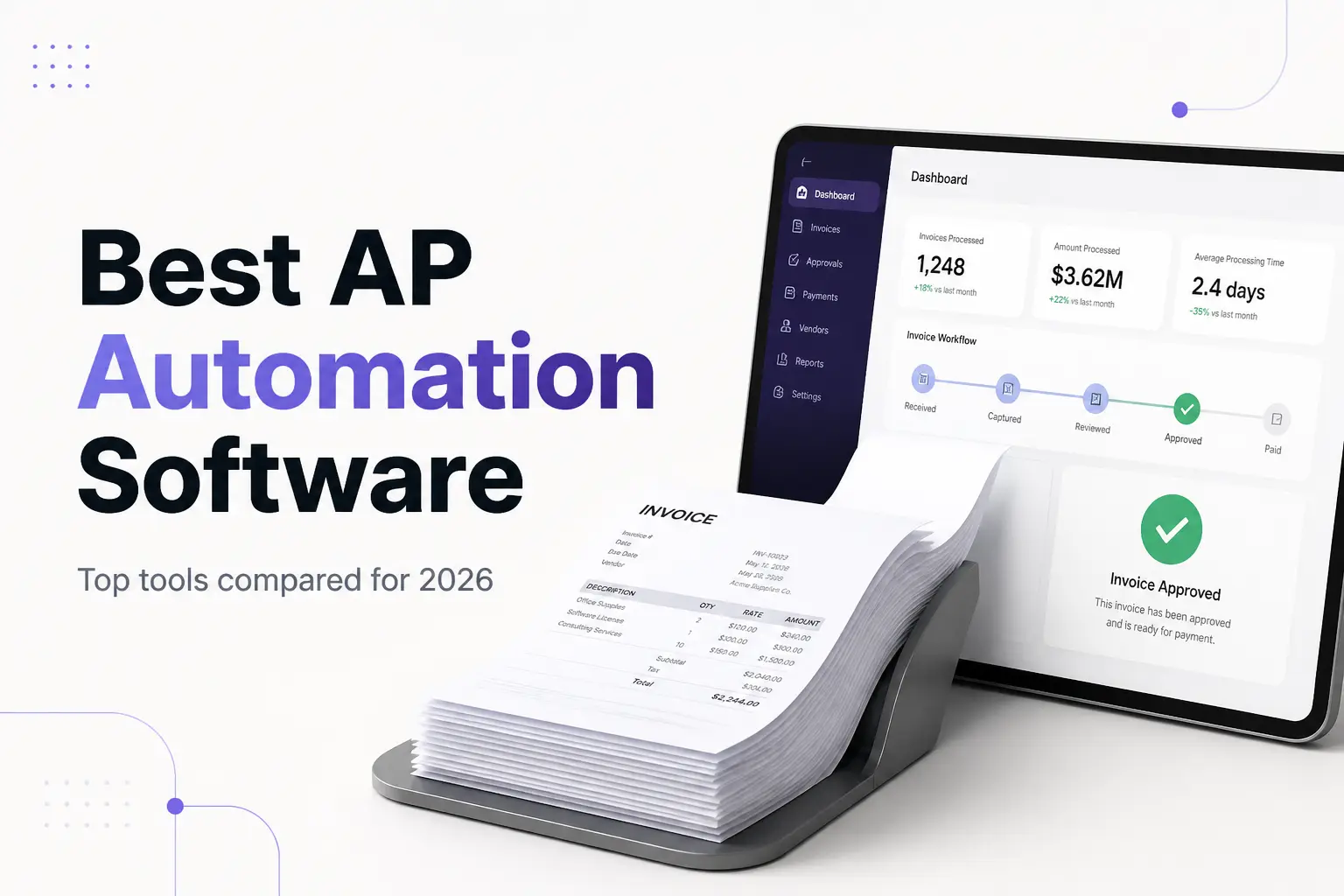
There is no single best AP automation software — only the best fit for your invoice volume, your budget, and the accounting system you already run. A firm paying 30 bills a month and one paying 3,000 have very different problems, and the tool that wins for one is overkill or a poor fit for the other. So this guide skips the "one winner" myth and compares the top accounts payable tools by what they cost, what they actually do, and exactly who each one fits.
First, a plain definition. Accounts payable is the money your business owes to suppliers for goods or services you have received but not yet paid for. AP automation software handles the repetitive work of turning those incoming bills into approved, paid, and recorded transactions — capturing the invoice, matching it, routing it for approval, paying it, and syncing it to your books.
One honest note up front, since this is an invoicing site: AP automation is the opposite of what our tool does. AP is the money you owe; accounts receivable is the money you are owed. If your real goal is to bill clients and get paid faster, you do not need an AP tool at all — our free invoice generator creates a clean, itemized invoice in under two minutes, and our guide to accounts receivable automation software covers the collect-the-money side. Read on only if your job is paying the bills that land in your inbox.
The quick comparison
Here are the tools most often named as the best AP automation software in 2026, and the one-line reason to shortlist each. Prices change often, so treat these as a starting point and check the vendor's current pricing before you buy.
| Tool | Best for | Rough price | Standout |
|---|---|---|---|
| Ramp | Best overall value | Free bill pay | AI-driven capture and coding; free tier |
| BILL | Standard domestic AP | From ~$45/user/mo | The safe, widely integrated default |
| Melio | Smallest businesses | Free to send ACH | Simple bill pay, low or no monthly fee |
| Stampli | Approval-heavy teams | Quote-based | Collaboration and comments on each invoice |
| Tipalti | Global / high volume | Quote-based | Mass international payments and tax compliance |
| QuickBooks / Xero | You already use them | Included in plan | Good-enough AP without a new subscription |
The rest of this guide explains what these tools do under the hood, walks each option in more detail, gives you a checklist to choose, and runs a simple ROI example so you can tell whether any of them is worth it for your volume.
What AP automation software actually does
Under the marketing, every AP tool automates the same five-step cycle that a person would otherwise do by hand:
- Capture. The bill arrives — as a PDF by email, a paper invoice, or a structured electronic file — and the software reads it, usually with optical character recognition (OCR), pulling out the vendor, amounts, line items, dates, and tax.
- Match. The tool compares the invoice against your records. Two-way matching checks the invoice against the purchase order; three-way matching adds the receiving record so you only pay for what was ordered and actually delivered.
- Route for approval. It sends the invoice to the right approver based on rules you set — by amount, department, or vendor — instead of an email chain that stalls in someone's inbox.
- Pay. Once approved, it schedules and sends payment by ACH, card, check, or wire, and captures early-payment discounts where they exist.
- Sync. It writes the finished transaction back to your accounting system so your books stay accurate without re-keying.
Invoices that match cleanly within your tolerance thresholds flow straight through with little or no human touch — the industry calls this "touchless" processing, and modern tools reach it on a large share of invoices. The ones that do not agree — a price variance, a quantity mismatch, a missing receipt — get flagged as exceptions and routed to a person to resolve. That exception handling, not the easy invoices, is where a good tool earns its keep.
Why three-way matching matters. It is one of the oldest internal controls in accounting for a reason: matching the purchase order, the goods receipt, and the invoice before paying is what stops overpayments, duplicate payments, and invoice fraud. Doing it by hand across hundreds of invoices is slow and error-prone; automating it is the single biggest reason mid-market finance teams adopt AP software.
The top tools, compared
Ramp — best overall value. Ramp bundles corporate cards, expense management, and AP into one platform, and its bill pay is free. Its capture and coding lean heavily on AI, so a large share of invoices are read and categorized without manual entry. For a small or growing business that wants strong automation without a per-invoice subscription, it is the easiest place to start. Ramp makes its money on interchange and premium features rather than the AP module itself. Ramp's own comparison is a reasonable overview of the category, if a self-interested one.
BILL (formerly Bill.com) — the safe default. BILL is the most widely adopted standalone AP tool and integrates with nearly every accounting system, which is why accountants reach for it first. It handles capture, approvals, and domestic payments well and is a sensible choice when you want a proven, boringly reliable workflow rather than the newest AI features. Pricing is per user per month, commonly starting around $45.
Melio — simplest for the smallest businesses. Melio is built for very small businesses that just want to pay bills without a heavy platform. Basic ACH bill pay is free, the interface is minimal, and it syncs with QuickBooks and Xero. It does not try to be a full mid-market suite — and for a business paying a couple dozen bills a month, that restraint is the point.
Stampli — for approval-heavy teams. Stampli centers everything on the invoice itself, with comments and approval threads attached to each bill. If your real bottleneck is the back-and-forth of getting the right people to approve — not data entry — Stampli is built for that. Pricing is quote-based.
Tipalti — for global, high-volume payables. Tipalti handles mass payments to many vendors across countries and currencies, with supplier onboarding and tax-form collection built in. It is more than a small business needs, but for a company paying hundreds of international suppliers it removes real pain. Pricing is quote-based and scales with volume.
QuickBooks, Xero, and other accounting apps. If you already run one of these, do not overlook the AP features inside it. They store bills, route basic approvals, and schedule payments — enough for many small businesses. Add a dedicated tool only when you outgrow that, and pick one that integrates with the accounting app you already trust so you are not maintaining two systems.
How to choose: a plain checklist
Work down this list in order and stop at the first honest answer:
- How many bills do you pay a month? Under ~50 and paid on time: your accounting app or a free tool like Melio or Ramp is likely enough. Hundreds or more: a dedicated platform starts to pay for itself.
- What is the actual bottleneck? Slow data entry points to strong OCR capture (Ramp). Approvals that stall point to workflow (Stampli). International vendors point to global payments (Tipalti). Buy for the bottleneck you named, not the feature list.
- What accounting system must it feed? Whatever tool you pick has to sync cleanly with QuickBooks, Xero, NetSuite, or Sage. A tool that does not integrate with your books creates a second manual step and defeats the purpose.
- Do you need three-way matching? If you raise purchase orders and receive goods, yes — insist on it. If you pay simple service invoices with no POs, two-way matching or basic approval is enough.
- What is the all-in cost? Add subscription, per-user fees, and per-payment fees together, then compare that to the ROI math below. A "free" tool that charges per payment can still cost more than a flat subscription at high volume.
A worked example: is it worth it?
The case for AP automation is a cost-per-invoice calculation. Research widely cited in the industry — from firms like Ardent Partners and Gartner — puts the fully loaded cost of processing a single invoice manually at roughly $8 to $30 once you count staff time, corrections, and overhead, while automation can cut that by up to about 70 percent. Treat those as vendor-friendly ranges, not guarantees, but the direction is consistent across sources.
Run it on your own numbers. Say you process 500 invoices a month and your manual cost is a conservative $12 per invoice:
- Manual cost: 500 × $12 = $6,000 per month, or $72,000 a year.
- Automated cost at a 70 percent reduction: about $3.60 per invoice → 500 × $3.60 = $1,800 per month, or $21,600 a year.
- Gross saving: about $4,200 per month before you subtract the software's own cost.
Even after a few hundred dollars a month in subscription and per-payment fees, a business at that volume comes out well ahead — and that is before counting fewer late fees, captured early-payment discounts, and lower fraud risk.
Now run it at 20 invoices a month:
- Manual cost: 20 × $12 = $240 per month.
- A dedicated subscription plus fees can easily match or exceed that, so the tool may cost more than the time it saves.
That is the whole decision in two lines: automation wins on volume. The break-even point for most small businesses lands somewhere in the low hundreds of invoices per month. Below it, a free tool or your accounting app's built-in AP is the smarter buy.
Common mistakes to avoid
- Buying for headcount instead of volume. A ten-person company that pays 40 bills a month does not need an enterprise suite. Size the tool to invoice volume, not to how big the business feels.
- Ignoring integration. The most common regret is a tool that does not sync cleanly with the accounting system, leaving staff to re-key data — the exact work you were trying to remove.
- Skipping the exception workflow in the demo. Every tool handles clean invoices well. Test how it handles a price mismatch or a missing receipt, because that is where your team's time actually goes.
- Treating vendor stats as promises. Marketing "up to 90 percent faster" numbers are ceilings measured under ideal conditions. Your result depends on your current process and your suppliers.
- Weakening controls to go faster. Automation should tighten three-way matching and approval separation, not remove them. Keep the fraud controls on. Also keep clean records of what you paid and why — the IRS expects businesses to keep supporting records for their expenses, and a good AP tool makes that trail automatic. This is general information, not tax or legal advice — check with a professional for your situation.
The bottom line
The best AP automation software is the cheapest tool that clears the specific bottleneck you can name. Ramp is the strongest value for most small and growing businesses thanks to free bill pay and solid AI capture; BILL is the safe, well-integrated default; Melio is the simplest for the smallest shops; Stampli wins on approvals; and Tipalti fits global, high-volume payables. If you already run QuickBooks or Xero and your volume is modest, start with the AP features you are already paying for.
And if you landed here trying to get paid rather than pay — that is the accounts receivable side, and it does not need any of these tools. Our free invoice generator creates a professional invoice you can send in minutes, no subscription required.
Frequently Asked Questions
What is the best AP automation software? There is no single best tool for everyone. Ramp is the best value because its bill pay is free and its AI capture is strong. BILL is the safe default for standard domestic AP. Melio is the simplest low-cost option for very small businesses. Stampli wins when approvals are the bottleneck, and Tipalti fits companies paying many international vendors at scale.
How does AP automation software work? It captures each supplier invoice (usually with OCR), extracts the data, matches it against the purchase order and receiving record, routes it for approval, schedules payment, and syncs the result to your accounting system. Clean matches flow through untouched; mismatches are flagged as exceptions for a person to review.
How much does AP automation software cost? It varies. Some tools like Ramp offer free bill pay; subscription tools commonly start around $45 per user per month and climb into the hundreds for mid-market plans, with enterprise platforms quoted by volume. Many add a per-transaction fee. Match the spend to your invoice volume.
Is AP automation worth it? For real volume, usually yes — manual processing is often quoted at $8 to $30 per invoice, and automation can cut that by up to about 70 percent. At very low volume the subscription can cost more than the time it saves, so run the numbers on your own invoice count first.
What is the difference between accounts payable and accounts receivable automation? Accounts payable is the money you owe suppliers, so AP automation receives, approves, and pays incoming bills. Accounts receivable is the money customers owe you, so AR automation sends invoices and collects payment. This guide is about AP tools; to bill clients and get paid, you want an invoicing or AR tool instead.
Does QuickBooks do AP automation? Partly. QuickBooks can store bills, route basic approvals, and schedule payments — enough for many small businesses. Dedicated AP platforms add stronger capture, automated matching, deeper workflows, and fraud controls on top, and most integrate with QuickBooks rather than replacing it.
What is three-way matching in accounts payable? It compares the purchase order, the goods receipt, and the supplier invoice before paying. Only when all three agree on item, quantity, and price is the payment approved. It prevents overpayments, duplicate payments, and fraud, and AP software performs the match automatically within set tolerances.
What is the best AP automation software for a small business? For most small businesses, start with Ramp (free bill pay, strong automation) or Melio (simple, low-cost). If you already run QuickBooks or Xero and pay only a modest number of bills, the built-in AP features may be enough before you buy anything extra.