Accounts receivable automation software: how to pick the right tool
September 13, 2026 · 9 min read · By Charles Ugo
invoice
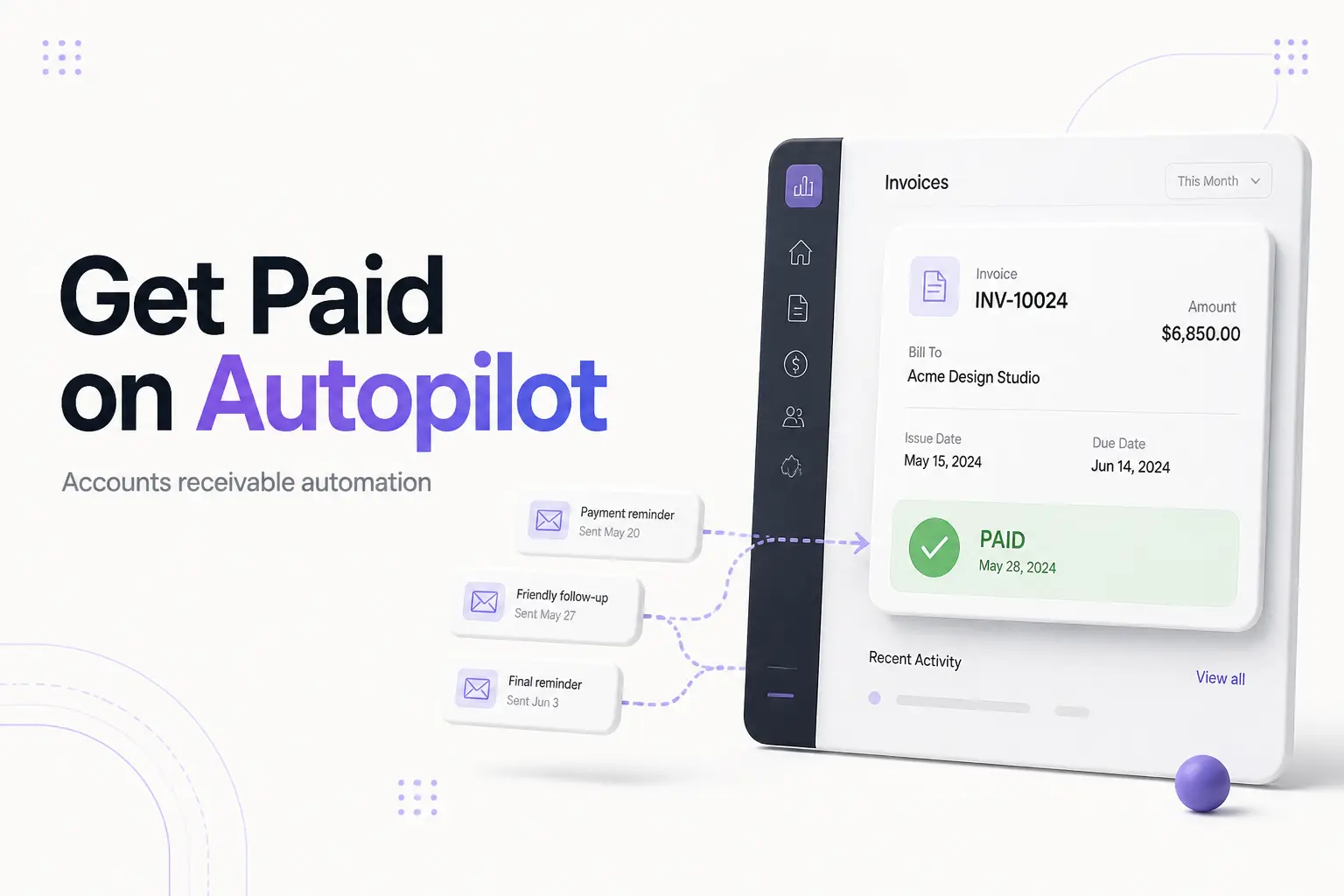
Accounts receivable automation software is a tool that does the repetitive work of getting paid for you: it creates and sends invoices, chases late payments with automatic reminders, matches incoming payments to the right invoice, and shows you who still owes money. In short, it takes the manual, easy-to-forget parts of collecting from customers and puts them on autopilot.
The catch most buyer guides skip: you may not need a dedicated platform at all. A freelancer with eight clients and a small business with 800 open invoices have very different problems. This guide explains what these tools actually do, what they cost, and gives you a plain checklist so you buy the right size of solution — or skip the purchase entirely.
The front end of accounts receivable is just sending a clean invoice. Our free invoice generator builds a professional, itemized invoice in under two minutes — the same first step every AR tool automates, at no cost.
What accounts receivable automation software actually does
Accounts receivable is the money customers owe you for work already delivered. Cornell Law School's Legal Information Institute defines it as "money owed to a business by its clients or customers for goods or services that have been delivered but not yet paid for." Automation software takes the whole cycle of turning that owed money into cash in the bank and removes the manual steps.
A full tool covers five jobs:
- Invoice creation and delivery. It generates an invoice from your sales or order data and emails it automatically, often the moment the work is marked done.
- Payment reminders (dunning). It sends follow-up emails on a schedule you set — for example, a heads-up before the due date, a nudge on the due date, and firmer reminders once an invoice is late.
- Cash application. When a payment arrives, it matches that payment to the correct open invoice so your books stay accurate without you cross-checking a bank statement by hand. This is the same idea as account reconciliation, done automatically.
- Reporting. A dashboard shows total receivables, an aging report (what's 30, 60, 90 days late), and days sales outstanding — how long, on average, invoices take to get paid.
- Credit and collections management. Bigger platforms add customer credit checks and structured workflows for handling seriously overdue accounts.
Not every tool does all five. Simple ones automate invoicing and reminders. Enterprise "invoice-to-cash" suites do the lot with AI on top.
How it works, step by step
The flow is the same whether the tool is a $20-a-month app or an enterprise suite:
- Trigger. A sale closes, a project is marked complete, or a subscription renews.
- Generate. The software pulls the customer and line-item data and builds the invoice — number, dates, amounts, tax — using your template.
- Send. The invoice goes out by email, usually with a "pay now" link.
- Remind. If it's not paid, the tool sends reminders on your schedule. According to payments provider Stripe, firms with high invoice automation get paid in roughly 55 days versus 78 days for low-automation firms — most of that gap is timely, consistent follow-up. (Stripe's report)
- Collect and match. The customer pays; the tool records it and matches it to the open invoice.
- Report. Your dashboard updates so you always know your total receivables and DSO.
The reminder step is where most of the value hides. Late payment is rarely refusal — it's usually an invoice that slipped down someone's inbox. Automatic, polite follow-up fixes that without you having to write another awkward email. If you'd rather send those by hand for now, our guide on how to ask for payment has templates you can reuse.
A worked example: does the math justify a tool?
Numbers make the decision easy. Say you're a small design studio:
- You send 40 invoices a month, averaging $1,500 each.
- Your average days sales outstanding — the average time to get paid — is 50 days, because reminders are manual and often forgotten.
- You spend about 6 hours a month creating invoices and chasing payments.
Now you add a tool at $50/month that automates invoicing and reminders. Two things change:
Time saved. Those 6 hours drop to about 1 hour of oversight. At a $60/hour effective rate, 5 hours saved is $300/month of your time back — six times the subscription cost, before any faster payment.
Faster cash. Say consistent reminders cut DSO from 50 days to 38 days. Your monthly billing is 40 × $1,500 = $60,000. Getting that 12 days sooner doesn't earn you more money, but it means roughly $24,000 less cash tied up in unpaid invoices at any given time (about $2,000 a day × 12 days). That's cash you can use for payroll or supplies instead of borrowing — and it's the reason many businesses look at AR automation before they look at invoice factoring or a loan to cover the gap.
Flip the example: if you send 4 invoices a month and clients pay on time, the same $50 tool saves maybe 30 minutes and speeds up nothing. The math says skip it — a free generator plus a calendar reminder is enough.
That contrast is the whole decision. Buy on your invoice volume and how badly late payment hurts, not on the feature list.
What it costs
Pricing splits into three rough tiers:
| Tier | Typical price | Who it fits |
|---|---|---|
| Free / built-in | $0 | Invoice generator + accounting app's basic reminders; low invoice volume |
| Small-business SaaS | ~$20–$130 per user/month | Growing firms that need scheduled reminders and AR reports |
| Payment platforms | Small per-transaction fee (a few dollars or a small %) | Businesses that want customers to pay inside the invoice |
| Enterprise invoice-to-cash | Custom, volume-based quote | High invoice volume, dedicated AR team, ERP integration |
Watch for costs beyond the sticker price: per-user seats, per-transaction payment fees, setup or onboarding charges, and fees to sync with your accounting software. A "cheap" plan with a per-payment fee can cost more than a flat plan once volume climbs. Vendor savings claims — "collect 50% faster," "cut DSO by three weeks" — are marketing figures from their best-case customers; treat them as a ceiling and test against your own numbers.
A checklist for picking the right tool
Run any candidate through these questions:
- Does it fit my volume? Match the tier to how many invoices you send, not to the flashiest features.
- Does it connect to my accounting software? If you use QuickBooks or similar, native two-way sync prevents double entry and reconciliation headaches. Many accounting apps already send recurring invoices and reminders — check what you own before you buy something new.
- Are the reminder rules flexible? You want control over timing, tone, and which customers get chased.
- How does cash application work? Automatic matching is the feature that saves the most tedious time. Confirm it handles partial payments and multiple invoices per payment.
- What's the true monthly cost? Add seats, transaction fees, and integration fees — not just the headline price.
- Can I brand the invoice? A professional, consistent invoice gets paid faster than a plain one.
- How easy is it to leave? Can you export your customer and invoice data if you switch? Avoid tools that lock your records in.
Common mistakes
Buying enterprise software for a small problem. If chasing payments takes you an hour a month, a $500/month invoice-to-cash suite is a waste. Start with a free generator and your accounting app's built-in reminders.
Ignoring what you already own. Most accounting apps automate the core of AR — recurring invoices, reminders, aging reports. Buying a second tool that duplicates them is common and avoidable.
Automating a broken process. If your invoices are missing details or your payment terms are vague, automation just sends bad invoices faster. Fix the invoice first: clear line items, correct dates, and terms stated as Net 30 meaning 30 days after the invoice date — not "by the 30th."
Reusing invoice numbers. Automation makes it tempting to recycle numbers on voided or corrected invoices. Don't — each invoice needs a unique number for clean records and audits, even ones you cancel.
Chasing every client the same way. Blasting identical firm reminders at a reliable long-term client can strain the relationship. Good tools let you set gentler rules for trusted customers.
The bottom line
Accounts receivable automation software earns its keep when getting paid has become a real, repeating drain — hours lost to invoicing and follow-up, or late payers squeezing your cash flow. When that's your situation, match the tool to your invoice volume and check it plays nicely with the accounting software you already run.
If you're not there yet, you can automate the most important step for free right now: send a clean, professional invoice the moment the work is done. Start with our invoice generator, and add software only when the volume makes the math obvious.
This article is general information, not financial or legal advice. Pricing and vendor figures change — confirm current details with each provider before you buy.
Frequently asked questions
What is accounts receivable automation software? It's a tool that handles the repetitive work of getting paid — creating and sending invoices, chasing late payments with automatic reminders, matching incoming payments to open invoices, and reporting on who owes you what. It replaces the spreadsheet-and-manual-email version of the same job.
How does accounts receivable automation work? It pulls your sales data, generates an invoice, and sends it. From there it fires reminder emails on a set schedule, records payments as they arrive, matches each payment to the right invoice, and updates a dashboard showing your total receivables and days sales outstanding.
How much does it cost? For small businesses, dedicated tools commonly run about $20 to $130 per user per month, and payment platforms may add a per-transaction fee. Enterprise suites are quoted by volume. If you invoice a handful of clients, a free generator plus your accounting app can cover it at no cost.
Do small businesses really need it? Not always. A few invoices a month with on-time payers needs only a good generator and calendar reminders. Dedicated software pays off when chasing payments eats real hours or when late payers hurt your cash flow.
Does it reduce DSO? Usually. Invoicing the moment work is done and following up automatically removes the delays that stretch out collections. Vendors report DSO drops of several weeks, but your result depends on your customers — treat vendor numbers as a ceiling.
Can QuickBooks or other accounting software handle AR automation? Yes, to a point. Most accounting apps send recurring invoices, automatic reminders, and AR aging reports, which covers the core for many small businesses. Dedicated platforms add deeper collections, smarter cash application, and credit management for higher volume.