Operational CRM Software: What It Is and How It Streamlines Your Business
September 15, 2026 · 12 min read · By Charles Ugo
invoice
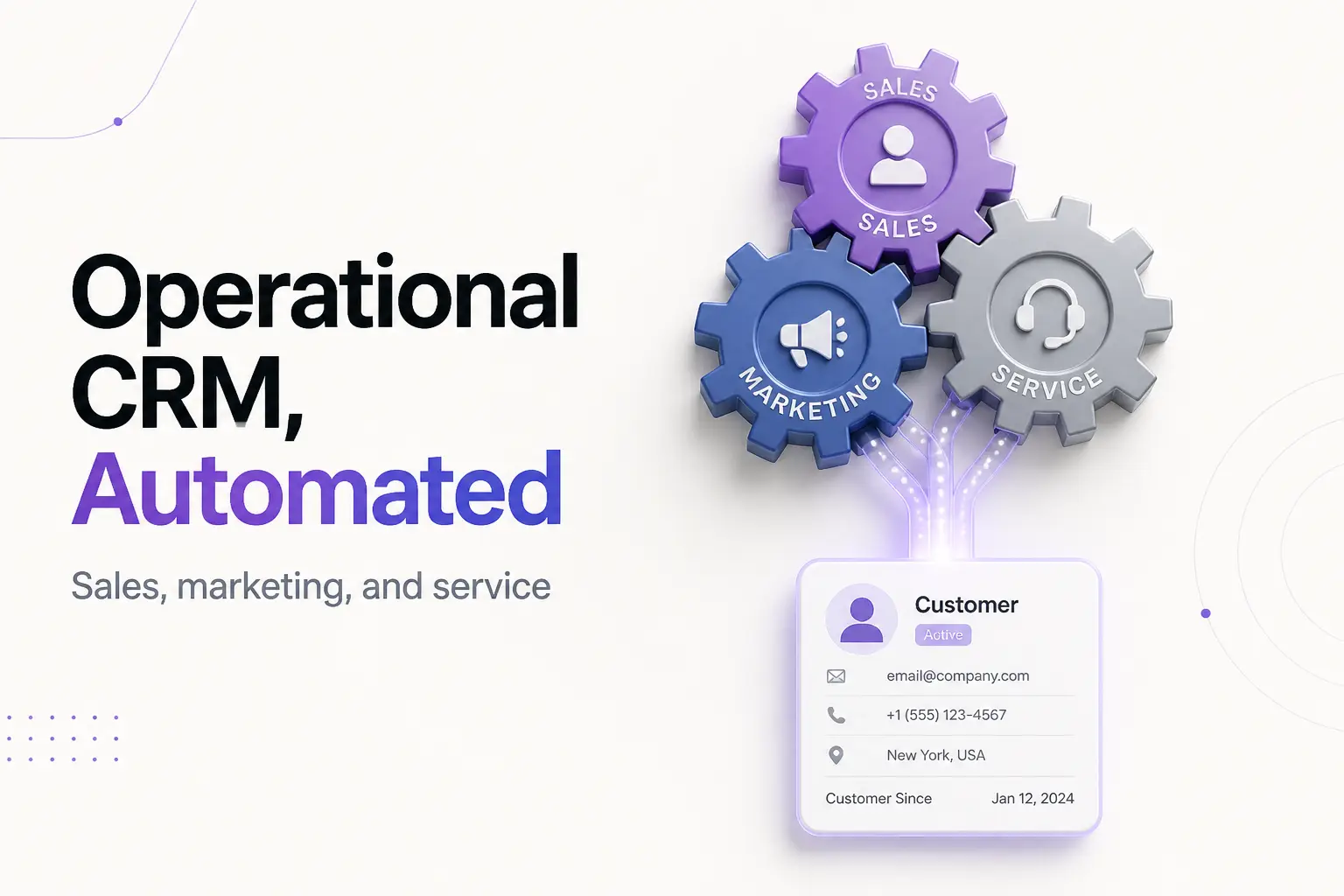
Operational CRM software runs the day-to-day work of your customer-facing teams. It captures a new lead the moment it arrives, moves a deal through your pipeline, fires off the follow-up email you would have forgotten, and routes a support ticket to the right person—automatically. It is the "do the work" type of CRM, as opposed to the "study the data" type.
CRM stands for customer relationship management. Of the three classic flavors—operational, analytical, and collaborative—operational is the one most small businesses actually mean when they say they want a CRM. TechTarget's breakdown of the three CRM types describes operational CRM as the system that streamlines and automates the front-office processes of sales, marketing, and service. That is the whole idea in one line: automate the routine so nothing depends on memory.
This guide keeps it practical. You will learn exactly what an operational CRM does, the three engines that power it, two worked examples, the tools worth knowing, and the mistakes that waste money. If you want the broader "what is a CRM at all" foundation first, start with our plain-English guide to CRM software, then come back. And if you mainly need to bill clients rather than run a pipeline, skip all of it—our free invoice generator does that job on its own.
What operational CRM software actually does
An operational CRM is a centralized system for everyone who touches a customer—sales, marketing, and support—storing every contact and the full history of your dealings in one shared place. The "operational" part is the automation layer on top: it does the repetitive tasks for you instead of waiting for someone to remember.
Strip away the marketing and it does four concrete jobs:
- Captures leads on autopilot. A web form, an ad reply, or a chat message becomes a contact record with no manual typing.
- Moves deals through a pipeline. Every open deal sits in a stage—new, contacted, proposal sent, won or lost—so you always know what is close and what is stuck.
- Automates the busywork. Follow-up emails, task reminders, and ticket assignments fire on their own, on a schedule or a trigger you set once.
- Keeps one shared record. Calls, emails, quotes, and support tickets all attach to the right contact, so anyone on the team sees the same story.
The payoff is leverage: a small team handles more relationships without dropping any. Done well, a CRM pays for itself—one widely cited Nucleus Research study found CRM returns an average of $8.71 for every dollar spent. Treat that as a signal, not a promise. The return depends almost entirely on whether your team keeps the tool up to date.
The three engines of an operational CRM
Operational CRM is usually described as three connected engines. Most platforms bundle all three, but it helps to see them separately.
1. Sales force automation (SFA). This is the core. SFA manages leads, opportunities, and the sales pipeline—assigning new leads, tracking every interaction, setting follow-up reminders, and building sales forecasts. It handles the paperwork and the nudges so your salespeople spend their time selling, not updating a spreadsheet.
2. Marketing automation. This engine streamlines and measures marketing tasks: sending an email sequence to someone who filled out a form, scheduling social posts, and scoring leads so the hottest ones get attention first. It nurtures a contact from "curious" to "ready to buy" without a person hand-sending every message. Vendors like Salesforce describe CRM automation as freeing teams from repetitive tasks so they can focus on higher-value work.
3. Service automation. After the sale, this engine keeps customers happy. It routes support tickets to the right agent, powers self-service knowledge bases and chatbots, and makes sure a customer's problem does not fall through the cracks. When someone opens a live chat with an issue, service automation notifies support and starts the clock on a timely reply.
Together these three cover the full front office—from the first click to the after-sale support ticket—which is exactly why operational CRM is the type most businesses reach for first.
How operational CRM software works, step by step
Here is the typical flow, from a stranger to a served customer, inside an operational CRM:
- A lead comes in. Someone submits your contact form or replies to a campaign. The CRM creates a contact record automatically—no typing.
- Marketing automation warms it up. The new contact drops into an email sequence and gets a lead score based on what they do. Sales sees a ranked list, hottest first.
- Sales force automation takes over. The deal enters your pipeline. The CRM reminds the rep to follow up, logs every email and call, and flags any deal that goes quiet.
- The deal closes—and you bill. When it is won, you send the invoice. Some CRMs do basic invoicing; many teams hand off to a dedicated tool here (more below).
- Service automation keeps them. After the sale, support requests become tickets, get routed to the right person, and attach to the same customer record.
No step depends on one person's memory. The data lives in the system, and the automation carries the routine work between stages.
Operational vs. analytical vs. collaborative CRM
People mix these up constantly. The clean split is by what each one is for.
| Type | Main job | Best for |
|---|---|---|
| Operational | Automate daily sales, marketing, service tasks | Running the front office day to day |
| Analytical | Study customer data for patterns and forecasts | Making strategic decisions from the data |
| Collaborative | Share one customer record across all teams | Keeping sales, support, and marketing in sync |
Operational does the work. Analytical learns from the work—data mining, forecasting, and segmentation turn the pile of stored records into insight. Collaborative makes sure everyone sees the same record, so a customer never has to repeat themselves when handed between teams.
In practice these overlap. Nearly every modern platform blends all three, and some vendors, including Salesforce, split them into four types by breaking out campaign management. For a small business, do not agonize over the labels—pick the tool that automates the jobs you need today. For the deeper dive on how these types relate, see our full CRM software guide.
Worked example 1: a plumbing company that kept dropping calls
Rivera Plumbing has three plumbers in the field and one person answering the phone. Leads arrived by call, text, and web form and got scribbled on sticky notes. Two jobs slipped last month because nobody logged the callback.
They set up an operational CRM with three pipeline stages: New Lead → Quote Sent → Booked. Now:
- A web-form lead auto-creates a contact and lands in "New Lead" (sales force automation).
- The system emails the customer a "we got your request" note instantly and reminds the office to call within an hour (marketing plus SFA).
- If a quote goes quiet for three days, the CRM nudges whoever owns it.
- After the job, a follow-up asking for a review goes out on its own, and any complaint opens a support ticket (service automation).
Two months in, no lead has been dropped, and the office can see at a glance that half their booked jobs come from one referral partner—so they lean into it. The CRM did not fix a single pipe. It just stopped work from falling through the cracks and freed the office manager from chasing sticky notes.
Worked example 2: an online course seller who lives on marketing automation
Dana sells a $300 online course and gets hundreds of email sign-ups a week—far too many to handle by hand. For her, the marketing automation engine is the whole point.
She builds one sequence in her operational CRM: a free lesson on sign-up, three follow-up emails over a week, and a lead score that ticks up each time someone opens an email or watches a lesson. When a contact's score crosses a threshold, the CRM tags them "sales-ready" and sends a personal offer.
Dana never sends any of these by hand. The CRM runs the nurture, scores the interest, and surfaces only the warm leads worth a personal touch. When someone buys, she still sends a clean receipt with our invoice generator—the CRM handles the relationship, the invoice tool handles the paperwork.
The lesson from both examples: an operational CRM earns its keep when volume or handoffs create chaos. Below that threshold, it is overhead.
Popular operational CRM software worth knowing
There is no single "best"—the right tool depends on the problem you are solving. But these are the operational CRMs a small business meets most often. Nearly all offer a free tier or trial; use it before you pay, because the polished demo never shows how daily data entry actually feels.
- HubSpot — Generous free tier, easy to learn, strong marketing automation. A common first CRM.
- Zoho CRM — Low cost, deep features, part of a big business-app suite. Good value as you grow.
- Pipedrive — Built around a simple visual sales pipeline. Popular with small sales teams who want to close, not configure.
- monday CRM — Flexible and visual, good if your team already works in a board-style layout.
- Salesforce — The market leader and the most powerful, but also the most complex and costly. Usually overkill for a small shop until you truly outgrow the simpler options.
Notice none of these is an invoicing tool. Some generate a basic invoice as a side feature, but billing is not what they are built for. Most of these are also cloud-based, which is now the default—our guide to cloud CRM software covers what that means and how to keep your data secure.
Common mistakes to avoid
- Buying before you feel the pain. If a spreadsheet still works and nothing is slipping, a CRM is premature. Wait for the chaos.
- Automating a broken process. Automation makes a bad workflow faster, not better. Fix the process first, then automate it.
- Overbuying features. A five-person shop rarely needs the enterprise platform. Features you never touch are just cost and clutter.
- Skipping the trial. The demo always shines. Your own messy data in a week-long trial tells the truth about the daily flow.
- Letting the data rot. A half-updated CRM is worse than none, because people trust it and it is wrong. Adoption beats features.
- Confusing it with billing. Do not pick a CRM hoping it will replace a real invoicing workflow. It usually will not.
- Ignoring the exit. Check you can export your contacts. Your data should never be trapped.
Where invoicing fits—and whether you need a CRM at all
An operational CRM automates the front office beautifully, but it stops at the sale. When a deal closes, you still need to send a clean, professional bill—and that is a separate job.
If leads are slipping, follow-ups get missed, or your team is juggling customer notes across three inboxes, an operational CRM will likely pay for itself fast. Start with a free tier, buy for the specific problem you named, and make adoption the priority. The U.S. Small Business Administration's finance guide is a useful companion for thinking through business tools and budgets.
If your customer list is small and orderly, hold off. What most solo operators actually need is not a CRM but a fast, professional way to get paid. That is where we come in: create and send a clean invoice in minutes with our free invoice generator, grab a ready-made layout from our invoice templates, and when a bill runs late, our guide on how to ask for payment will help you chase it politely. New to invoicing? Start with our beginner's guide to what an invoice is.
This post is for general informational purposes only and is not business, financial, or legal advice.
Frequently Asked Questions
What is operational CRM software in simple terms?
Operational CRM software runs the day-to-day work of your customer-facing teams. It captures leads, moves deals through a pipeline, sends follow-up emails, and routes support tickets—automating the routine sales, marketing, and service tasks that used to depend on someone remembering to do them.
What are the three components of operational CRM?
Sales force automation (managing leads, deals, and pipeline), marketing automation (email campaigns, lead scoring, scheduled posts), and service automation (ticket routing, knowledge bases, self-service). Together they cover the full front office from first contact to after-sale support.
What is the difference between operational and analytical CRM?
Operational CRM does the work—it automates the daily sales, marketing, and service tasks. Analytical CRM studies the data that work produces—finding patterns, forecasting revenue, and segmenting customers. Operational is about running the process; analytical is about learning from it. Most modern platforms include both.
What is an example of operational CRM software?
HubSpot, Zoho CRM, Pipedrive, Salesforce, and monday CRM are all widely used operational CRMs. Each automates lead capture, pipeline management, and follow-ups. Most blend in analytical and collaborative features too, so the label describes the core job rather than a rigid product category.
What are the benefits of operational CRM software?
It stops leads from slipping, removes repetitive busywork, keeps every customer's history in one place, and lets a small team handle more relationships without hiring. The catch: the benefit only lands if your team actually keeps the tool up to date.
Do I need operational CRM software to send invoices?
No. A CRM manages relationships and pipelines, not billing. Some can generate a basic invoice as a side feature, but if your real need is to create and send a clean, professional invoice, a dedicated invoice generator is faster and free—no CRM required.