Cloud CRM Software: Benefits, Top Tools, and How to Pick the Right One
August 14, 2026 · 13 min read · By Charles Ugo
invoice
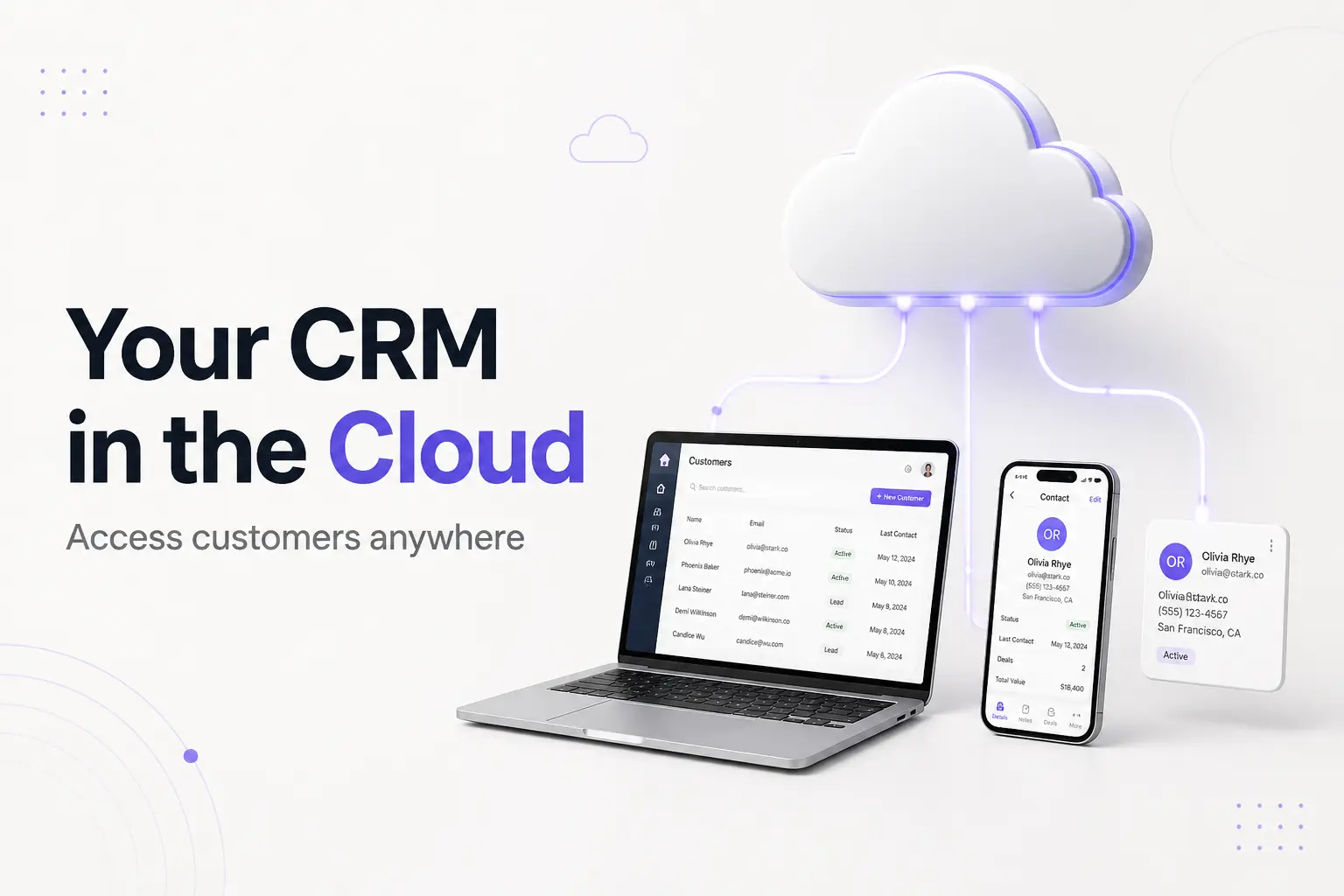
Cloud CRM software is a customer relationship management tool that lives on the vendor's servers and reaches you over the internet, through a web browser or an app. You pay a monthly subscription per user, and the vendor runs the hardware, ships the updates, and handles the backups and security. You just log in.
That is the whole difference from the older model. A traditional CRM was software you bought, installed on servers in your own building, and maintained yourself. A cloud CRM moves all of that machinery to the provider. It is the same idea as Gmail versus a mail server in your closet—someone else keeps the lights on.
This guide is about the cloud part specifically: how it works, how it stacks up against on-premise, the real benefits and the honest trade-offs, what it costs, the tools worth knowing, and how to choose. If you want the broader "what is a CRM and what does it do" foundation first, start with our plain-English guide to CRM software, then come back here. And if you mostly need to bill clients rather than run a sales pipeline, skip all of it—our free invoice generator does that job on its own.
How cloud CRM software works
The word "cloud" just means the software runs on someone else's computers, reached over the internet. The official NIST definition of cloud computing describes it as on-demand access to a shared pool of computing resources you can spin up quickly and release without managing the underlying hardware. A cloud CRM is that idea applied to your customer database.
Here is the flow in plain terms:
- The vendor owns the machinery. Servers, storage, the database, the security patches, the backups—all of it sits in the provider's data centers, not your office.
- You reach it over the web. Anyone on your team logs in from a browser or a mobile app. The same up-to-date record shows for everyone, at the same time, from anywhere with a connection.
- You pay per user, per month. No big license to buy, no server to rack. Add a seat when you hire, drop one when someone leaves.
- Updates arrive on their own. New features and fixes appear automatically. You never run an installer or schedule a maintenance weekend.
This delivery model has a name—software as a service, or SaaS. Almost every CRM sold today works this way. Salesforce, the company that popularized cloud CRM, describes a cloud CRM as a system hosted in the cloud so teams can access the same customer data from any device, any time. When people say "CRM" now, they usually mean a cloud CRM without thinking about it.
Cloud CRM vs. on-premise CRM
On-premise CRM still exists, mostly at large or highly regulated companies. Here is the clean comparison.
| Factor | Cloud CRM | On-premise CRM |
|---|---|---|
| Where it runs | Vendor's servers | Your own servers, in your building |
| Upfront cost | Low—monthly subscription | High—license plus hardware |
| Setup time | Days | Weeks or months |
| Maintenance | Vendor handles it | Your IT team handles it |
| Access | Anywhere with internet | Usually only on your network |
| Updates | Automatic | You install them |
| Data control | Vendor holds it (with your rules) | You physically hold it |
| Works offline | Rarely | Yes, on your network |
The trade-off comes down to control versus convenience. On-premise gives you physical possession of the data and the ability to work offline on your own network—which matters for some banks, hospitals, and government contractors with strict rules. But you pay for the servers, the IT staff, and every upgrade yourself.
Cloud flips that. You give up owning the hardware in exchange for a lower bill, a faster start, automatic upkeep, and access from anywhere. For the vast majority of small businesses and freelancers, cloud wins on every axis that matters, which is why it is now the default.
The real benefits of a cloud CRM
Strip the marketing and the advantages are concrete:
1. Low upfront cost. No servers to buy, no license to purchase, no IT specialist to hire. Your only cost is the subscription, so you can start small and grow into it.
2. Fast setup. Cloud CRMs are built to sign up and start using the same day, with guided setup and templates. An on-premise rollout can take weeks.
3. Access from anywhere. A laptop at home, a phone at a client site, a tablet on the road—everyone sees the same live record. This is the single biggest reason field and remote teams switched.
4. Easy to scale. Add users when you hire and remove them when you don't. If your business is seasonal or growing fast, you flex the plan up and down instead of buying hardware you might not need next quarter.
5. Zero maintenance for you. Updates, backups, and security patches are the vendor's job. New features show up on their own, and you never lose a weekend to a server upgrade.
6. Better team collaboration. Because the data is central and live, sales, support, and marketing all work from one truth instead of emailing spreadsheets around.
Done well, a CRM pays for itself—one widely cited Nucleus Research study found CRM returns an average of $8.71 for every dollar spent. Treat that as a signal, not a promise: the return depends almost entirely on whether your team actually keeps the tool up to date.
Is cloud CRM secure?
This is the question that stops people, and the honest answer surprises them: for a typical small business, a reputable cloud CRM is usually more secure than a server humming in the back office. A major provider spends more on security than you ever could, and your customer data is safer with them than on an under-patched machine nobody has time to maintain.
What good providers do for you:
- Encryption of your data, both in transit and at rest.
- Multi-factor authentication, so a stolen password alone is not enough to get in.
- Role-based access, so you decide who can see and edit what.
- Independent audits. Look for a SOC 2 report—an independent audit of a service provider's security controls, defined by the AICPA. It is the standard proof that a vendor's security claims have been checked by an outside party.
Your side of the deal still matters. Turn on multi-factor authentication, give each person only the access they need, and check that you can export your data if you ever leave. Security is shared: the vendor secures the building, you lock your own door.
Top cloud CRM software worth knowing
There is no single "best"—the right tool depends on your problem. But these are the cloud CRMs a small business will meet most often. Try the free tier or trial before you pay; the polished demo never shows how the daily data entry actually feels.
- HubSpot — Generous free tier, easy to learn, strong for marketing-led teams. A common first CRM.
- Zoho CRM — Low cost, deep features, part of a big suite of business apps. Good value as you grow.
- Pipedrive — Built around a simple visual sales pipeline. Popular with small sales teams who want to close deals, not configure software.
- monday CRM — Flexible and visual, good if your team already lives in a project-style board.
- Salesforce — The market leader and the most powerful, but also the most complex and expensive. Usually overkill for a small shop until you truly outgrow the simpler options.
Notice that none of these is an invoicing tool. Some can generate a basic invoice as a side feature, but billing is not what they are for—more on that below.
What cloud CRM software costs
Pricing is almost always per user, per month. Rough bands for a small business:
- Free tiers: Several major cloud CRMs (HubSpot and Zoho among them) offer a genuinely usable free plan for a small team. Start here.
- Low-cost plans: about $10–$30 per user/month—basic contact and pipeline management.
- Mid-range plans: about $30–$100 per user/month—adds automation, custom pipelines, and reporting.
- Enterprise: $150+ per user/month for the top tiers of the big platforms.
Two costs hide behind the sticker price. First, the time to set it up and clean your data—real, even if it is not on the invoice. Second, add-ons (extra automation, more storage, premium support) that can quietly double what you pay. Always check the next tier's price before you commit, since the bill climbs as you add users and features.
Worked example: a growing HVAC company
Dwyer Heating & Air has six technicians in the field and one person answering the phone. Leads used to arrive by call, text, and web form, and get scribbled on sticky notes. Two jobs slipped through the cracks last month because nobody logged the callback.
They pick a cloud CRM for one reason above all: the technicians are never at a desk. A cloud tool means a tech can pull up a customer's full history—past repairs, the quote sent last week, the note about the tricky attic access—from a phone in the driveway.
They set up three pipeline stages: New Lead → Quote Sent → Booked. Now a web-form lead auto-creates a contact, the office assigns it, and the CRM nudges anyone who lets a quote go quiet for three days. Because it is cloud-based, the office and the field see the same live record with no syncing, no server, and no IT hire. They started on a low-cost plan at roughly $20 per user per month and can add a seat the day they hire tech number seven.
The CRM did not sell a single furnace. It just stopped jobs from falling through the cracks and put the customer's story in everyone's pocket.
Worked example: a solo consultant who does not need one
Priya is a freelance brand consultant with five clients. She tracks everything in one spreadsheet and her calendar, and she has never missed a follow-up.
She tries a cloud CRM because an article told her to. Two weeks later she cancels. Her client list is small enough to hold in her head, and the CRM added data entry without saving her time. What Priya actually needed was a faster way to send clean invoices—so she switched to our invoice generator and kept the spreadsheet.
The lesson: a cloud CRM earns its keep when volume, handoffs, or people-in-the-field create chaos. Below that line, it is overhead. Be honest about which side you are on.
Common mistakes to avoid
- Buying before you feel the pain. If a spreadsheet still works and nothing is slipping, a CRM is premature. Wait for the chaos.
- Overbuying features. A five-person shop rarely needs the enterprise platform. Features you never touch are just cost and clutter.
- Skipping the trial. The demo always shines. Your own messy data in a week-long trial tells the truth about the daily flow.
- Ignoring offline needs. If your team often works with no signal, confirm the mobile app's offline mode before you commit—this is the one place cloud can bite you.
- Letting the data rot. A half-updated CRM is worse than none, because people trust it and it is wrong. Adoption beats features.
- Confusing it with billing. Do not pick a CRM hoping it will replace a real invoicing workflow. It usually will not.
- Ignoring the exit. Check that you can export your contacts. Your data should never be trapped on someone else's servers.
Do you actually need a cloud CRM?
If leads are slipping, follow-ups get missed, or your team works away from a desk and needs the same customer record in their pocket, a cloud CRM will likely pay for itself fast. Start with a free tier, buy for the specific problem you named, turn on multi-factor authentication, and make adoption the priority. The U.S. Small Business Administration's finance guide is a useful companion for thinking through business tools and budgets.
If your customer list is small and orderly, hold off. What most solo operators actually need is not a CRM but a fast, professional way to get paid. That is where we come in: create and send a clean invoice in minutes with our free invoice generator, pick a ready-made layout from our invoice templates, and when a bill runs late, our guide on how to ask for payment will help you chase it politely. New to invoicing? Start with our beginner's guide to what an invoice is.
This post is for general informational purposes only and is not business, financial, or legal advice.
Frequently Asked Questions
What is cloud CRM software?
Cloud CRM software is a customer relationship management tool that a vendor hosts on its own servers and you reach through a web browser or app over the internet. You pay a monthly subscription instead of buying servers, and the vendor handles updates, backups, and security. Most CRMs sold today are cloud CRMs.
What is the difference between cloud and on-premise CRM?
A cloud CRM runs on the vendor's servers and you access it over the internet for a monthly fee. An on-premise CRM runs on servers you own and manage in your own building, usually for a large upfront license. Cloud is faster to start, cheaper up front, and reachable anywhere; on-premise gives you full physical control of the data but needs your own IT team and hardware.
Is cloud CRM secure?
For most small businesses, yes—often more secure than a server in the back office. Major providers encrypt your data, require multi-factor login, and hold independent audits like SOC 2. Your job is to pick a provider with clear security certifications, turn on multi-factor authentication, and control who can see what.
How much does cloud CRM software cost?
Several strong cloud CRMs have free tiers for small teams. Paid plans usually run about $10 to $30 per user per month at the low end and $30 to $100 for mid-range plans with automation and reporting. Enterprise tiers climb past $150 per user per month. Pricing is almost always per user, per month.
Can I use a cloud CRM offline?
Mostly no. A cloud CRM needs an internet connection to load and save data, though many mobile apps cache recent records and sync when you reconnect. If your team often works with no signal, check the offline mode before you commit, or consider an on-premise option.
Is Salesforce a cloud CRM?
Yes. Salesforce is the best-known cloud CRM and helped make the software-as-a-service model standard for the category. Other widely used cloud CRMs include HubSpot, Zoho CRM, Pipedrive, and monday CRM.
Do I need a cloud CRM to send invoices?
No. A CRM manages customer relationships and sales pipelines, not billing. If your real need is to create and send a clean, professional invoice, a dedicated invoice generator is faster and free—no CRM required.