Invoice approval software: automate your AP approval workflow
September 30, 2026 · 13 min read · By Charles Ugo
invoice
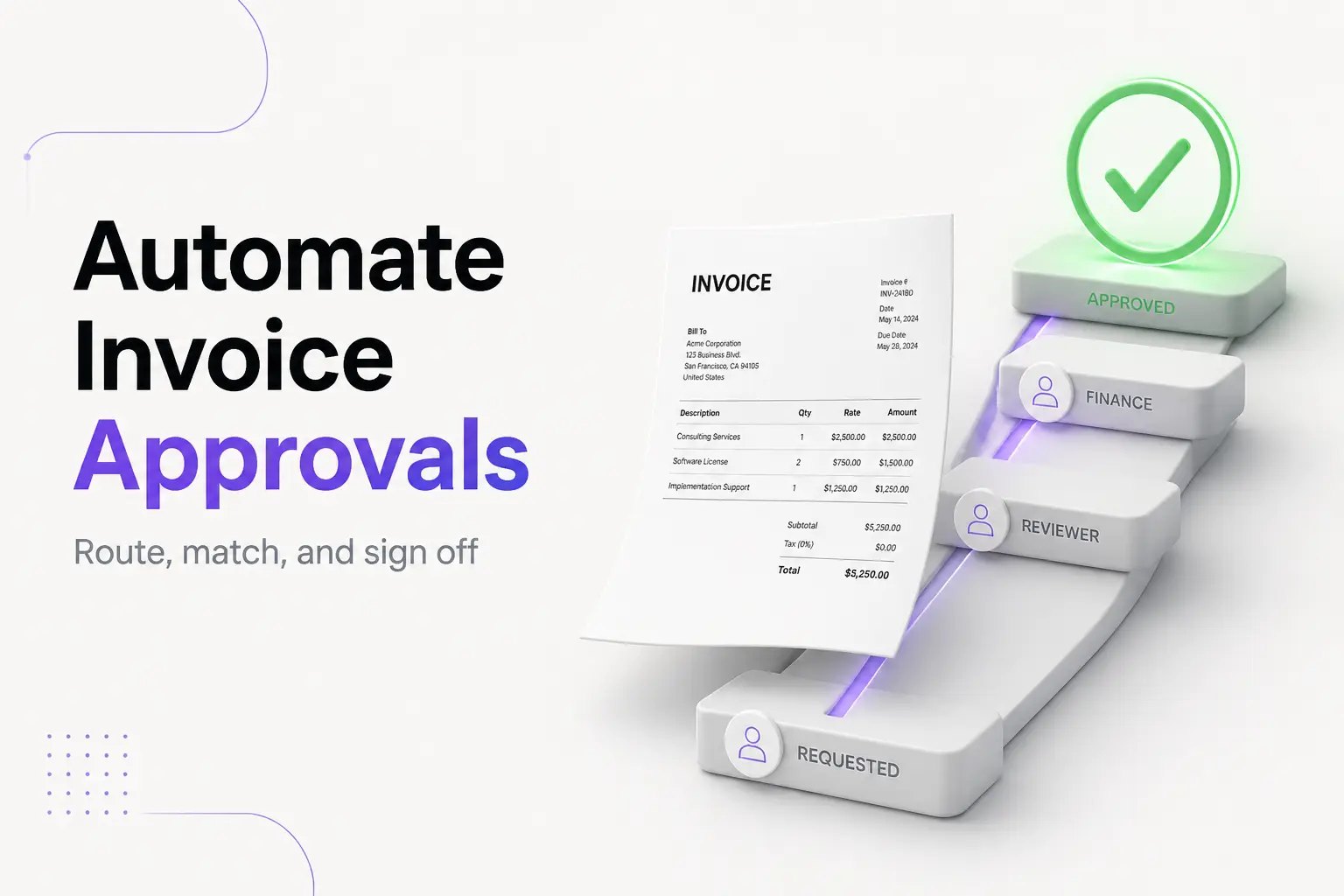
Invoice approval software is an accounts payable tool that moves a supplier's invoice from "received" to "approved for payment" in a controlled workflow. It captures the invoice, extracts the data, matches it against the purchase order and receipt, routes it to the right approver based on rules you set, and keeps a full audit trail — so a wrong, duplicate, or fake bill gets caught before any money leaves your account. In short, it replaces the email-and-spreadsheet version of vetting bills with a system that enforces the checks every time.
One thing most buyer guides blur: this is the buyer side of invoicing. If you send invoices to get paid, that is a different job (and a free one — more on that below). Invoice approval software is about the bills you receive from vendors and have to approve before you pay them. This guide covers what these tools do, how the approval workflow runs step by step, two-way versus three-way matching, an approval-matrix example, two worked examples, real costs, and a checklist so you buy the right size of tool — or decide you don't need one yet.
If you're the one sending invoices, the cleaner your invoice, the faster it clears your customer's approval workflow. Our free invoice generator builds an itemized invoice with a clear PO reference, line items, and totals that pass matching on the first try — no account, no cost.
What invoice approval software actually does
Accounts payable is the money your business owes to suppliers for goods or services already delivered. Approval software governs the stretch between an invoice landing in your inbox and the moment you're cleared to pay it. A full tool covers six jobs; cheaper ones do the first few, and enterprise suites do all six with AI on top.
- Capture. It ingests invoices from every channel suppliers use — email, PDF upload, a supplier portal, EDI feeds, or scanned paper — and pulls the fields with OCR so no one retypes them.
- Coding. It assigns the right general-ledger account, cost center, project, or expense category, often by learning from past invoices for the same vendor.
- Matching. It compares the invoice to the purchase order and, for goods, the receiving report — checking vendor, items, quantities, and prices line by line.
- Routing. It sends the invoice to the correct approver(s) automatically, based on rules like amount, department, or vendor, and chases them with reminders.
- Approval and exceptions. Approvers sign off (or reject with a comment) from a phone or laptop. Anything that fails a check — a price mismatch, a missing PO, a possible duplicate — gets flagged as an exception for a human to resolve.
- Payment and audit trail. Once approved, the invoice is scheduled for payment, recorded to your books, and archived with a time-stamped record of who approved what and when.
The point of all six is control. The approval step should always happen before the invoice hits your general ledger and before payment — that is where you catch the errors and fraud that are expensive to unwind afterward.
The invoice approval workflow, step by step
The workflow is the same whether you run it by hand or automate it. Software just removes the manual handoffs, the lost emails, and the "who has this on their desk?" delays.
- Received. The invoice arrives by email, portal, EDI, or paper. The tool captures it and extracts the data.
- Coded. AP assigns the GL account, cost center, and project code so the spend lands in the right place.
- Matched. The invoice is checked against the PO and, for physical goods, the receiving report (see the next section).
- Routed. Based on your approval matrix, the invoice goes to the person — or the chain of people — who must authorize it.
- Approved or rejected. The approver confirms the business context (what was bought and why), checks the supporting documents, and approves or sends it back with a reason.
- Paid and recorded. The approved invoice is scheduled, paid, matched to the payment, and archived. Matching the payment back to the open bill is the same idea as account reconciliation, done automatically.
The reason to codify this — rather than "pay it when the boss says so" — is speed and safety. A fixed workflow means no invoice skips a required approver, nothing sits forgotten for three weeks, and every payment has a paper trail if you're ever audited.
Two-way vs three-way matching
Matching is the heart of invoice approval, and it comes in two common depths.
| Documents compared | Best for | What it catches | |
|---|---|---|---|
| Two-way matching | Invoice ↔ purchase order | Services, subscriptions, non-stock buys | Wrong vendor, wrong price, wrong quantity, no PO |
| Three-way matching | Invoice ↔ PO ↔ receiving report | Physical goods and inventory | Everything two-way catches, plus invoices for goods that never actually arrived |
Two-way matching confirms the invoice agrees with what you ordered: same supplier, same items, same quantities, same agreed price. If a vendor bills 12 units at $50 but your PO says 10 units at $45, the software flags the gap instead of quietly paying it.
Three-way matching adds proof of receipt. The invoice must line up with both the PO and the receiving report showing the goods came in. This is the standard control for physical products because it stops you from paying for a shipment that was short, damaged, or never delivered. Some teams add a fourth check (an inspection report) for high-value or regulated purchases.
You don't need three-way matching on everything. A monthly software subscription has no "goods received" document, so two-way (or a simple contract check) is the right depth. Matching the control to the purchase type is a big part of setting the tool up well.
Worked example 1: building an approval matrix
An approval matrix is the rule set that decides who signs off on what. Say you run a 15-person design agency. Your matrix might look like this:
| Invoice amount | Required approver(s) |
|---|---|
| Under $500 | Auto-approve if it matches a PO |
| $500 – $2,000 | Department manager |
| $2,000 – $10,000 | Department manager → Finance lead |
| Over $10,000 | Department manager → Finance lead → Owner |
Now a $6,400 invoice from your print vendor arrives. The software reads the amount, sees it falls in the $2,000–$10,000 band, and routes it first to the design manager, then — only after she approves — to the finance lead. Neither can be skipped, and the owner isn't bothered with a mid-size bill. A $180 stationery invoice that matches its PO clears automatically, so nobody spends a minute on it.
Two rules keep a matrix healthy. First, build in escalation: if an approver doesn't act within, say, three days, the invoice bumps to a backup so it never stalls. Second, enforce separation of duties — the person who approves an invoice should not also be the person who releases the payment. That single rule blocks a large share of internal payment fraud.
Worked example 2: one invoice, end to end
Watch a single bill move through an automated workflow:
- Received (Monday). A $6,400 invoice from "Acme Print Co." arrives by email. The tool captures it and OCR reads the PO number, line items, and total.
- Coded. It's tagged to the GL account "Marketing – Print" and the "Fall Campaign" project, copying how the last Acme invoice was coded.
- Matched. The software pulls PO #4471 ($6,400, 8,000 brochures) and the receiving report (8,000 received). Three-way match passes.
- Duplicate check. The tool notices the amount and vendor are close to an invoice from two weeks ago, but the invoice numbers differ, so it clears — not a duplicate. (Guarding against reused or repeated invoice numbers is exactly why a consistent invoice numbering system matters on both sides.)
- Routed and approved (Tuesday). Per the matrix, it goes to the design manager, who approves from her phone, then to the finance lead, who approves that afternoon.
- Paid (Friday). It's scheduled inside terms, paid, matched to the payment, and archived with a full approval log.
Total human effort: two taps on a phone. The manual version — printing the invoice, walking it to two desks, chasing signatures, keying it into the accounting system — is where days and errors creep in.
What invoice approval software costs
Most AP vendors don't publish one flat price. They quote by invoice volume, number of users, and how many systems you need to integrate, so treat any figure as a market range, not a fixed rate:
- Free / built-in. If you already pay for accounting software, basic approval routing may be included (see the QuickBooks note below). For a low volume of bills, this often costs nothing extra.
- Dedicated SMB and mid-market AP tools. Commonly land somewhere from roughly $200 to $1,000+ per month, depending on volume and features like OCR capture and automated PO matching.
- Enterprise invoice-to-pay suites. Priced by volume and quoted case by case, typically well into five or six figures a year.
Weigh that against what manual processing costs. According to analyst firm Ardent Partners' State of ePayables research, organizations without best-in-class automation spend an average of $12.88 to process a single invoice, while best-in-class AP teams spend a fraction of that. Multiply your per-invoice cost by your monthly volume, and the software's price starts to look like the smaller number surprisingly fast — but only once volume is real.
Do you actually need it?
Right-size the decision. You probably don't need dedicated software yet if:
- one person both receives and pays the bills, and
- you handle only a handful of vendor invoices a month, and
- you already review each one against its order before paying.
You probably do benefit when any of these are true:
- More than one person signs off. The moment approval crosses two desks, manual routing gets slow and error-prone.
- Volume is climbing. Dozens of invoices a month is where matching and reminders pay for themselves.
- You want protection. Duplicate bills, price creep, and vendor fraud all get caught at the matching and approval steps. Billing schemes — fake or inflated vendor invoices — are among the most common and costly asset-misappropriation frauds documented in the ACFE's Report to the Nations, and a real approval workflow is a direct defense.
- You need an audit trail. A time-stamped record of who approved what is invaluable at tax time or in an audit.
This is the mirror image of the sending side. If your job is issuing invoices and getting paid, you don't need approval software at all — you need a clean invoice and a way to follow up. That's what our free invoice generator and our guide to accounts receivable automation software cover. Approval software is the buyer's tool; keep the two jobs separate in your head.
Common mistakes to avoid
- Automating a broken process. If your approval rules are unclear on paper, software just enforces the confusion faster. Write the approval matrix down first, then automate it.
- Requiring too many approvers. Every extra sign-off adds delay. Approve by exception where you safely can — auto-clear small, PO-matched invoices and reserve human eyes for what actually needs judgment.
- Skipping separation of duties. Letting the same person approve and pay defeats the main fraud control. Keep those roles apart even in a tiny team.
- Ignoring exceptions. A flagged mismatch is the tool doing its job. If your team rubber-stamps exceptions to clear the queue, you've paid for a control and then switched it off.
- Buying for volume you don't have. An enterprise suite for 20 invoices a month is money lit on fire. Start with your accounting app's built-in approvals and upgrade when volume forces it.
How to choose: a short checklist
- Capture: Does it pull invoices from every channel your vendors use (email, portal, EDI, paper) and read them with OCR?
- Matching: Two-way and three-way matching, with tolerances you can set?
- Routing: A flexible approval matrix by amount, department, and vendor, plus escalation for slow approvers?
- Integration: Does it sync cleanly to your accounting system or ERP? This is the make-or-break question.
- Mobile: Can approvers act from a phone? Approvals stall when they can't.
- Audit trail: A complete, exportable record of every approval and change.
- Pricing fit: Priced for your actual invoice volume, not a tier above it.
Whatever you're told in a demo, the honest test is your own volume and your own accounting stack. Many small businesses find that QuickBooks Online's bill approval workflow or the approval features in a tool they already own cover the job — and only move to a dedicated platform when invoice volume, matching, and audit demands genuinely outgrow it.
Frequently asked questions
What is invoice approval software? It's an accounts payable tool that takes a supplier's invoice from "received" to "approved for payment" in a controlled workflow — capturing it, extracting the data, matching it to a PO and receipt, routing it to the right approver, and logging the whole thing for audit. The aim is to catch wrong, duplicate, or fraudulent bills before you pay them.
What is an invoice approval workflow? The fixed sequence a vendor invoice follows before payment: received, coded, matched, routed, approved (or rejected with a reason), and paid. The same six stages apply whether you do it manually or with software.
What is the difference between two-way and three-way matching? Two-way matching compares the invoice to the purchase order. Three-way matching adds the receiving report, so the invoice must also prove the goods were received. Use two-way for services and three-way for physical goods.
How much does invoice approval software cost? There's no single price — vendors quote by volume, users, and integrations. As a range, dedicated SMB and mid-market tools commonly run from roughly $200 to $1,000+ per month, with enterprise suites quoted case by case. Low-volume payers can often get by on the approvals built into their accounting app.
What is an approval matrix? The rule set that decides who approves which invoices, usually by dollar amount, department, or vendor — for example, a manager under $2,000 and the owner over $10,000. Software enforces it automatically so no required approver is skipped.
Can QuickBooks approve invoices? Yes, within limits. QuickBooks Online Advanced and Bill Pay Elite offer bill approval workflows where you add approvers and set routing conditions. Dedicated AP platforms add heavier OCR capture, automated PO matching, and exception handling for higher volumes.
Do small businesses really need invoice approval software? Not always. If one person handles a few bills a month and reviews each before paying, a simple habit is enough. It earns its place once more than one person signs off, volume grows, or you want fraud protection and a clean audit trail.
Invoice approval software is worth it exactly when the manual version starts costing you time, money, or control — multiple approvers, rising volume, or the risk of a duplicate or fake bill slipping through. Below that line, the approvals already in your accounting app are usually enough. And remember which side of the invoice you're on: if your job is sending invoices and getting paid, skip all of this and start with a clean, itemized invoice from our free invoice generator — the cleaner the invoice you send, the faster it clears the other side's approval workflow.
This article is general information, not legal, tax, or accounting advice. Vendor cost and statistic figures are attributed to their sources and will vary by business.