Free AI receipt generator: create professional receipts in seconds
October 1, 2026 · 13 min read · By Charles Ugo
invoice
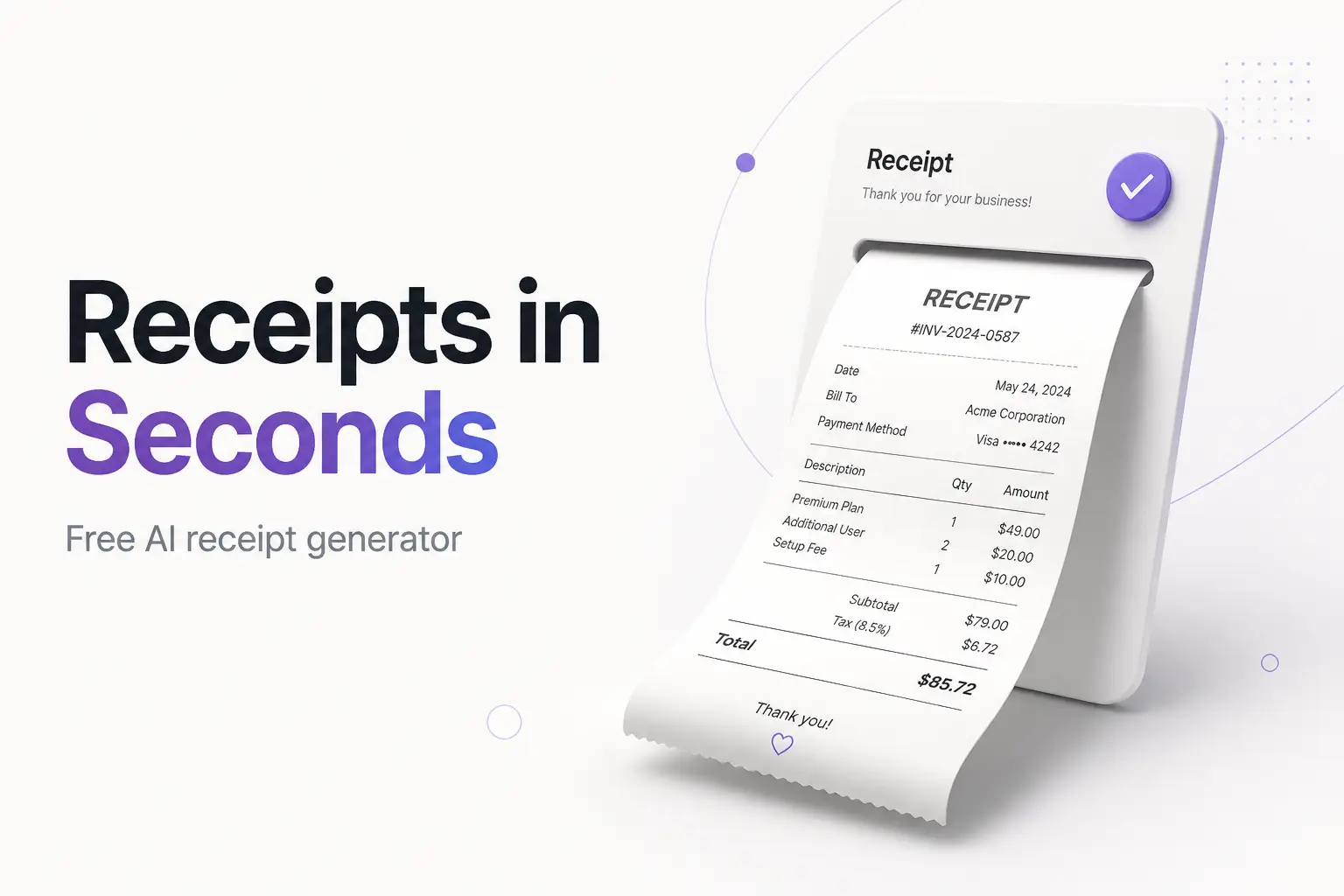
A free AI receipt generator turns a plain-English description of a sale into a finished, itemized receipt in seconds. You type something like "$85 cash for a haircut and beard trim at Fade Studio on March 3," and the tool reads it, pulls out the items, the amount, the date, and the payment method, lays them into a clean receipt, adds up the total, and hands you a PDF to print or email. No blank form to fill box by box.
That's the pitch, and for the routine parts of issuing a receipt it delivers. Two honest catches sit underneath it, though—the AI is fast at the wording and only usually right on the numbers, and a receipt is a record of something that actually happened, so what you put on it matters legally. This guide shows how these tools work, walks through two real examples, lists what a valid receipt needs, and draws the one line you can't cross.
If you'd rather skip the prompt, our free receipt templates give you the same speed—a clean layout, the math handled, a downloadable PDF—with no signup, no watermark, and nothing stored on a server.
What a free AI receipt generator is
A receipt is the document you issue after payment to confirm money was received: who paid, for what, how much, and when. That makes it the mirror image of an invoice, which requests payment before the money arrives. If you're unsure which one you need, our invoice vs receipt guide lays out the difference with examples—many sales need both.
A plain receipt maker is a form that turns your typed inputs into that document. A free AI receipt generator adds one thing on top: instead of filling each field yourself, you describe the sale in ordinary language and the AI fills the fields for you. Same output, different input method. You're trading a form for a sentence.
You'll run into two flavors:
- Chat-style AI (ChatGPT and similar). You prompt it, it writes the receipt as text or a table. Flexible, but it doesn't hand you a branded PDF and its math isn't guaranteed.
- Purpose-built generators (tools designed only for receipts). You describe the sale, they output a formatted, downloadable receipt, often with reliable calculations and a place for your logo. Closer to a finished product.
How the AI actually works
Under the hood, one of these tools reads your description with natural language processing—the part of AI that pulls meaning out of a human sentence. The pipeline in plain terms:
- It reads your description. The tool tags the pieces: this is a business name, this is a dollar amount, "March 3" is the date, "haircut and beard trim" is a line item.
- It maps those pieces to receipt fields. The store goes in the header, each item becomes a line, the amount becomes the total, the date and payment method fill their slots.
- It does the arithmetic. Each line's price, a subtotal, any sales tax, and the amount paid.
- It formats the document. Dates, currency, and layout get standardized into a clean receipt you can preview and download.
Two caveats worth understanding. First, the reading step is a probability guess, not a lookup—if your sentence is vague ("85 for a cut"), the AI decides whether that's a price, a quantity, or a total, and it can guess wrong. Second, chat-style tools generate the numbers the same way they generate words, which is why totals occasionally come out wrong. Purpose-built generators usually run real formulas instead, so they're steadier on the math. Either way, you check before you send.
How to make a receipt with AI, step by step
1. Gather the details first. AI fills gaps by guessing, so give it everything:
- Your business name (a sole proprietor can issue receipts under their own legal name—you don't need an LLC), address, and contact.
- The customer's name, if the receipt is for a specific buyer.
- A receipt number and the transaction date.
- Each item or service with its price. Group similar items if it's cleaner.
- Sales tax, if it applies to what you sold and your state.
- The total paid and the payment method (cash, card, bank transfer).
2. Write one specific description. Vague input gets a vague receipt. Put every field in a single sentence or short list.
3. Review the draft against your details. Read every field. Did it map the items and prices correctly? Did it invent a receipt number? Keep your own sequence so numbers don't repeat and your books reconcile.
4. Check the math by hand. Item prices, the subtotal, the tax line, the total. This is the non-negotiable step—a wrong number on proof-of-payment causes disputes.
5. Brand it and download the PDF. Add your logo, confirm the layout, and export. A clean PDF reads as professional; a wall of raw text doesn't.
6. Keep a copy. A receipt is a record for both of you. Save it with your books—the IRS expects you to keep the records that support your income.
Worked example 1: a cash sale at a service business
Say you run Fade Studio, a barbershop, and a walk-in pays cash. You describe the sale to a receipt generator:
Receipt from Fade Studio, 44 Oak Ave, Denver CO. Sold to walk-in customer.
Men's haircut $45, beard trim $25, styling product $15. 8% sales tax.
Paid cash, March 3 2026. Receipt R-0187.
The AI reads that and produces:
| Item | Price |
|---|---|
| Men's haircut | $45.00 |
| Beard trim | $25.00 |
| Styling product | $15.00 |
| Subtotal | $85.00 |
| Sales tax (8%) | $6.80 |
| Total paid (cash) | $91.80 |
Plus a header with your business details, the receipt number, and the date.
Now check it. $45 + $25 + $15 = $85 subtotal. Tax: $85 × 0.08 = $6.80. Total $91.80. Correct. Export the PDF, hand it over or email it. Under a minute. For a physical book you carry, our receipt book template covers the paper route.
Worked example 2: a rent receipt with no tax
This time you're a landlord confirming a tenant's monthly rent—no sales tax on residential rent, so the math is simpler but the fields matter more. The description:
Rent receipt from Maria Lopez (landlord) to tenant James Carter.
Rent for April 2026, unit 3B, 210 Birch St. $1,450 paid by bank transfer,
received April 1 2026. Receipt RENT-2026-04.
Expected output:
| Detail | Value |
|---|---|
| Paid by | James Carter |
| For | April 2026 rent, unit 3B, 210 Birch St |
| Amount | $1,450.00 |
| Payment method | Bank transfer |
| Date received | April 1, 2026 |
| Receipt no. | RENT-2026-04 |
Verify the fields, not just the number. A rent receipt's value is the detail—which month, which unit, who paid—because it's the tenant's proof they're current and yours that you were paid. A bare "$1,450 received" doesn't settle a dispute. Our rent receipt template and payment receipt template are built around these fields so nothing gets dropped.
What a valid receipt must include
Whatever tool you use, a receipt that actually does its job carries:
- Who sold it — your business name, address, and contact.
- Who bought it — the customer's name, at least for anything beyond an anonymous retail sale.
- The date of the transaction, not the date you printed the receipt.
- An itemized list of what was bought, each with its price.
- Sales tax, if it applies. Sales tax is a US concept—there's no VAT here—and whether you charge it depends on your state and what you sold. Many services aren't taxed. Treat this as general information, not tax advice, and confirm your own rules.
- The total paid and the payment method.
- A receipt number so you can find it later.
If the receipt backs a business expense, the bar is specific. Per IRS Publication 463, an adequate record generally shows the amount, the date, the place, and the business purpose—and receipts are generally expected for expenses of $75 or more, with lodging documented regardless of amount. A receipt that skips the date or the vendor won't hold up. One thing never belongs on a receipt: your Social Security number. It isn't a required field and it's an identity-theft risk.
The legal line you can't cross
Here's where AI receipt tools get a bad name, and it's worth being blunt. A receipt is evidence that a specific transaction happened. Generating one for a purchase that never occurred—to pad an expense report, claim a deduction you didn't earn, or return an item you didn't buy—is fraud, not a shortcut. It's illegal, and the exposure is real: Forbes reported that AI-generated fakes are driving a fast-growing wave of expense fraud, and finance teams are deploying detection tools that flag them. Getting caught can cost you your job and worse.
The legitimate uses are the everyday ones, and they're the reason these tools exist:
- Recording a real cash sale at a market, salon, or pop-up where you don't run a register.
- Reissuing a receipt you genuinely gave a customer who lost theirs.
- Documenting rent or a payment you actually collected.
- Reconstructing a lost receipt for a purchase you truly made and can back up with a card statement or email confirmation—the IRS allows reasonable reconstruction of real records.
The rule is simple: the receipt has to reflect a transaction that really happened. Inside that line, an AI generator is a genuine time-saver. Outside it, it's a felony with a nicer interface.
The best free AI receipt generators in 2026
An honest rundown. We list ours first because for most people it's the shortest path from "I need a receipt" to a downloaded PDF—but a couple of others fit if you specifically want to type a prompt.
| Tool | How it works | Free? | Best for |
|---|---|---|---|
| InvoicePDF.io (ours) | Clean templates + auto-math, live preview | Yes, no signup, no watermark | A professional receipt now, nothing stored on a server |
| Receipt Baker | Describe the sale, AI drafts a receipt | Free tier | Prompting a receipt from plain text |
| Portant | Template fill, download as PDF | Yes, no signup | A quick no-frills PDF receipt |
| ChatGPT / GPT tools | You prompt, it writes text you paste elsewhere | Free tier | Drafting wording when you're stuck |
A few notes:
- Ours does the two things people actually want from "AI"—it does the calculating and formats a clean PDF—without a chatbot, an account, or your customer's data leaving the browser. Pick the layout that fits the sale: a general receipt template, a cash receipt template, a donation receipt template, or browse the full template library.
- Prompt-style tools like Receipt Baker and Portant are handy if you'd rather describe the sale than fill a form. Check the free tier's limits and whether it watermarks before you rely on one.
- Chat tools are best for drafting language fast. They don't keep your numbering or hand you a branded PDF—finish the job in a real tool. Our ChatGPT invoice guide shows the prompting approach, and the same idea works for receipts.
If you also need to read receipts—pulling totals off photos of paper receipts—that's a different job; see our invoice scanner guide.
Common mistakes to avoid
- Trusting the total blindly. Recompute every line and the tax. AI math errors are quiet and they land on a document that's supposed to be proof.
- Letting the AI invent receipt numbers. Keep your own sequence (R-0001, R-0002…) so nothing repeats and your books reconcile.
- Feeding it a vague description. "85 for a cut" gets mis-mapped. One clear sentence with every field beats three lazy ones.
- Dating the receipt wrong. Use the transaction date, not today's date, or the record won't match your bank feed.
- Pasting sensitive data into a chatbot. A customer's financial details or anyone's SSN—don't. Use a tool that builds the receipt locally.
- Confusing a receipt with an invoice. A receipt confirms payment; it can't request it. If you haven't been paid yet, you need an invoice.
The bottom line
A free AI receipt generator is a real time-saver for the routine part of the job: it reads a plain description, fills the fields, does the arithmetic, and formats a clean receipt in seconds. Use it to skip the typing—then check every number, keep your own numbering, and make sure the receipt reflects a sale that genuinely happened. Draft fast, verify carefully, stay honest.
Ready to make one? Our free receipt templates give you the speed without the chatbot—auto-math, clean PDF, no signup, nothing stored on a server. And if you need to request payment rather than confirm it, start with our invoice generator instead.
Frequently Asked Questions
Is there a free AI receipt generator? Yes, several. Many tools let you describe a sale in plain English and download a receipt at no cost, though some cap free downloads or stamp a watermark until you upgrade. Our receipt templates are free with no signup and no watermark—you fill a clean layout, the total is done for you, and you export a PDF, without pasting a customer's details into a chatbot.
Are AI-generated receipts legal? The tools are legal. Using one to deceive someone for money is not—that's fraud, and inventing a receipt for a purchase that never happened, or padding an expense report, can carry serious penalties. Legitimate uses are fine: reissuing a receipt you actually gave, recording a real cash sale, or documenting rent you truly collected. The receipt just has to reflect a transaction that really happened.
How do I make a receipt with AI? Open a receipt tool and describe the sale in one clear sentence: your business name, the customer, each item with its price, the tax if any, the date, and how they paid. The AI drafts the receipt. Check the math and every field, add your logo, and download the PDF. The more specific your description, the less you fix afterward.
What should a receipt include? A useful receipt shows who sold (your business name and contact), who bought, the date, an itemized list of what was purchased with prices, the tax if any, the total paid, and the payment method. A receipt number helps you track it. For a business expense, the IRS wants the amount, date, place, and business purpose on the record.
Is it safe to use an AI receipt generator? A reputable one is, with a few checks. Confirm the site uses HTTPS, read the privacy policy on any tool you sign into, and avoid pasting sensitive personal or financial details into a chatbot. Never put a Social Security number on a receipt—it isn't a required field and it's an identity-theft risk. Tools that build the receipt in your browser keep the most data on your side.
What's the difference between a receipt and an invoice? An invoice requests payment before money changes hands; a receipt confirms payment after it does. You send an invoice to ask for $500, and you issue a receipt once the $500 arrives. They sit at opposite ends of the same transaction, so many sales need both.
Can I use an AI receipt generator for a lost receipt at tax time? You can recreate a receipt for a purchase you genuinely made and have other proof of—a bank or card statement, an email confirmation. That's reconstructing a real record, which the IRS allows within reason. Fabricating a receipt for something you never bought to claim a deduction is fraud. Keep the supporting evidence with the reissued receipt.