Claude AI billing explained: pricing plans, costs, and invoices
October 7, 2026 · 11 min read · By Charles Ugo
invoice
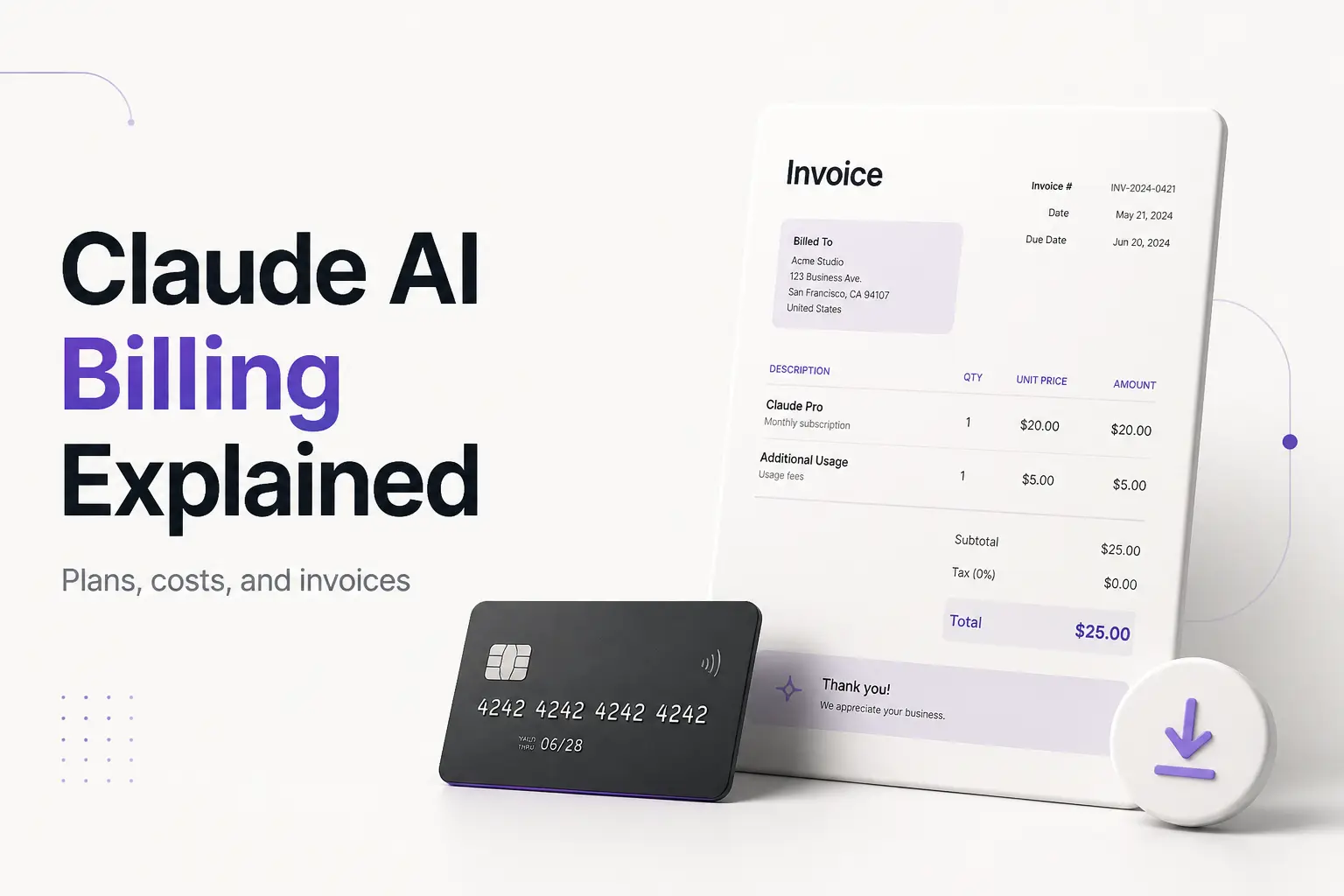
Claude AI billing is a recurring subscription: you pick a plan, Anthropic charges your card on a set cycle, and you get an invoice you can download. There's a free tier, and paid plans run from about $20/month for Pro up to $200/month for Max, with Team seats in between. Business API usage is billed separately, by the token. That's the whole model in one breath.
The two things people actually come here for are: what does it cost, and how do I get the receipt for my expense report. This guide answers both, plus how the billing cycle works, the taxes question, and the mix-ups that trip people up. If you're here because you need to bill your own clients—not just expense Claude—our free invoice generator makes a clean, downloadable PDF in a couple of minutes.
An invoice is just an itemized record of what you paid, for what, and when. Claude produces one for every charge. Let's start with what those charges are.
Claude AI plans and what they cost
Anthropic sells Claude in a few tiers. According to Anthropic's pricing page, the individual and team plans break down roughly like this (prices are in USD and change over time—confirm the current numbers before you buy):
| Plan | Price | Who it's for |
|---|---|---|
| Free | $0 | Casual use, limited daily messages |
| Pro | ~$20/month (about $17/month billed annually) | Individuals who hit the free limits |
| Max 5x | ~$100/month | Heavy individual users; 5× Pro's usage |
| Max 20x | ~$200/month | Power users; 20× Pro's usage |
| Team | ~$25–$30/seat/month | Small teams; annual is cheaper than monthly |
A few things worth knowing before you pick:
- Max is more usage, not a smarter model. The Max tiers give you a bigger usage bucket (5× or 20× Pro's limits), not a different Claude. If you keep hitting caps, Max buys headroom; if you don't, Pro is plenty.
- Annual billing is cheaper on Pro and Team. Paying yearly on Pro drops the effective monthly price by roughly 15%. Max, per Anthropic, is billed monthly only.
- Team has a per-seat, per-month structure. You're billed for the number of seats, and the annual rate (about $25/seat) beats month-to-month (about $30/seat).
- The API is a different animal. If you're a developer, API access is billed by usage—per million tokens in and out—not as a flat subscription. More on that split below.
How Claude billing actually works
Once you're on a paid plan, the mechanics are straightforward:
It renews automatically on your anniversary date. A monthly plan charges every month on the day you subscribed; an annual plan charges once a year. There's no invoice "due date" to chase—the card on file is charged on renewal. If you want to change the billing date, Anthropic's billing FAQ notes there's no direct switch; you cancel and resubscribe on the date you want.
Payment is by card. Web subscriptions take credit or debit cards only—no PayPal, no bank transfer for the web plan. If you subscribed through the iOS or Android app, that charge runs through Apple or Google's payment system instead, and you manage it there.
Tax is added at checkout. Any applicable tax is calculated from your billing location and itemized on the invoice. In the US that means sales tax, and whether it applies depends on your state—many digital services are taxed, some aren't. VAT is a non-US concept and won't appear on a US invoice. This is general information, not tax advice; your invoice shows the exact line.
The charge shows up as Anthropic. Anthropic is the company that makes Claude, so your bank or card statement typically shows an Anthropic or Claude.ai descriptor. If a charge looks unfamiliar, match its amount and date against your invoice before disputing it.
Finalized invoices can't be edited. Once an invoice is paid, its details are locked—you can't change the business name or add a tax ID after the fact. Set those before you pay (see the next section).
How to find and download your Claude invoice
This is the part most pricing articles skip. Here's the exact path for each type of account.
For a Pro or Max subscription:
- Open Claude and click your initials or name in the lower-left corner.
- Choose Settings, then Billing.
- Find the Invoices section.
- Click View next to the month you need, then download the PDF.
Every invoice is also emailed to your billing address automatically. If you can't find one, search your inbox for the subject line "Your receipt from Anthropic"—the receipt email is the fastest way to locate a past charge.
For API or Console (developer) payments:
- Sign in to the developer Console with a Billing or Admin role.
- Go to Console Settings, then Billing.
- Open the Invoice history section.
- Click View or Download next to the invoice. Anthropic's help page on finding API and Console invoices notes that View opens a Stripe tab with extra download options.
Set the right details first. When you add or update your card in Settings, then Billing, you can tick "Use a different name on invoices" to put your business name (rather than your personal name) on every future invoice. Do this before the next renewal—remember, paid invoices can't be edited afterward.
Worked example 1: monthly vs annual Pro
Say you're a freelancer weighing Pro. Monthly, that's about $20 × 12 = $240 a year. Annual billing runs roughly $17/month, charged once as ~$204 for the year. The difference is about $36 a year—the ~15% annual discount in real dollars.
The trade-off: annual is one larger charge on your card up front, and if you cancel mid-year you've already paid for the whole term. If you're confident you'll use Claude for twelve months, annual wins. If you're trialing it, month-to-month keeps you flexible. Either way, the invoice in Settings, then Billing shows exactly what you were charged and when.
Worked example 2: expensing Claude for your business
Now say you run a one-person consulting shop and use Claude Pro for client work. Here's the clean way to handle it at tax time:
- Pay with your business card, and set your business name on the invoice (Settings → Billing → "Use a different name on invoices").
- Download the invoice each month, or keep the "Your receipt from Anthropic" emails in a labeled folder.
- Log it as a software expense in your bookkeeping.
A software subscription used for your business is generally a deductible business expense in the US—but that depends on your circumstances, so treat this as general information, not tax advice. The reason to save the PDF isn't just the deduction: the IRS expects self-employed people to keep supporting documents for what they report. A downloaded invoice is that document. A bank line that just says "Anthropic" is not.
Subscription billing vs API billing
These get confused constantly, so it's worth being explicit:
- Subscription (Pro / Max / Team): a flat recurring fee to use the Claude app and its features. One invoice per billing cycle. Managed in Settings → Billing in Claude.
- API (developer): usage-based billing—you pay per token for what your applications send and receive. Invoiced through the Console, not the app. This is what powers custom tools and integrations, and the cost scales with how much you use it.
They're separate accounts with separate invoices. Your Pro receipt won't include API charges, and your API invoice won't mention your Pro plan. If you're doing both—say, a Pro plan for yourself and API access for a product you're building—expect two sets of invoices in two places.
Common Claude billing mistakes
- Forgetting to set the business name before paying. Finalized invoices can't be edited. Set the name (and any details you need) in Settings, then Billing before the renewal, not after.
- Looking for the invoice in your email spam folder and giving up. It's always in Settings → Billing too, even if the email got filtered. The app is the source of truth.
- Mixing up the app charge and the API charge. If a charge doesn't match your subscription price, check whether it's an API bill in the Console before assuming something's wrong.
- Paying annually and then canceling in month two. The annual term is paid up front. Only commit to annual if you're confident about the year.
- Not saving invoices for expenses. A card statement isn't a receipt. Download the PDF (or keep the email) so you have a real record if you deduct the cost.
- Assuming Max means a better model. It's a bigger usage allowance, not a smarter Claude. Don't overpay for capability you're not getting.
Frequently Asked Questions
How much does Claude AI cost? There's a free tier. Paid individual plans start at Claude Pro (about $20/month, or roughly $17/month billed annually) and go up to Claude Max at $100/month (Max 5x) and $200/month (Max 20x). Team plans run about $25–$30 per seat per month depending on whether you pay annually or monthly. API access is billed separately, by usage. Prices are set by Anthropic and change, so check the current pricing page before you commit.
How do I get an invoice or receipt for my Claude subscription? For a Pro or Max plan, open Claude, go to Settings, then Billing, find the Invoices section, and click View next to the month you need. Every invoice is also emailed to your billing address—search your inbox for "Your receipt from Anthropic." For API and Console charges, the invoice lives in Console Settings, then Billing, under Invoice history.
Where are my Claude billing settings? Click your initials or name in the lower-left corner of Claude, choose Settings, then Billing. That's where you update your card, change the name on your invoices, see your plan, and download past invoices. API billing is separate—it lives in the Console under Console Settings, then Billing.
Does Claude charge sales tax or VAT? Any applicable tax is added at checkout based on your billing location and is shown on your invoice. VAT is a non-US concept; in the US the relevant tax is sales tax, and whether it applies depends on your state. Treat this as general information, not tax advice, and check your own invoice for the exact breakdown.
What does Claude show up as on my bank or card statement? The charge comes from Anthropic (the company behind Claude), so your statement typically shows an Anthropic or Claude.ai descriptor rather than the word "subscription." If you don't recognize a charge, match the amount and date to the invoice in Settings, then Billing before disputing it.
Is a Claude subscription tax deductible? If you use Claude for your business, a subscription is generally treated as a deductible business expense in the US—but that depends on your situation, so treat this as general information, not tax advice. Either way, save the invoice: the IRS expects self-employed people to keep supporting documents for the income and expenses they report.
Can I get a refund or edit a paid Claude invoice? Once an invoice is finalized and paid, the details on it can't be edited, and there's no self-serve way to reissue it. That's why you set the right billing name and details before you pay. Refunds follow a separate request process through Anthropic's support, and terms vary, so check their current policy.
How is Claude subscription billing different from API billing? A Pro, Max, or Team subscription is a flat recurring fee for using the Claude app. API billing is usage-based—you pay per token for what your apps send and receive, invoiced through the developer Console. They're separate accounts with separate invoices, so don't expect your Pro receipt to include API charges or vice versa.
Claude's billing isn't complicated once you know the shape of it: pick a plan, get charged on a cycle, download the invoice from Settings, then Billing. Set your business name before you pay, keep the PDFs for your records, and don't confuse the flat subscription with usage-based API charges. And when it's your turn to send an invoice—to your own clients, for your own work—our invoice generator turns your details into a clean PDF you can send in minutes. If you've never built one, the beginner's guide to writing an invoice walks through every field.