What does an invoice look like? Real examples and labeled anatomy
June 11, 2026 · 7 min read · By Charles Ugo
invoice
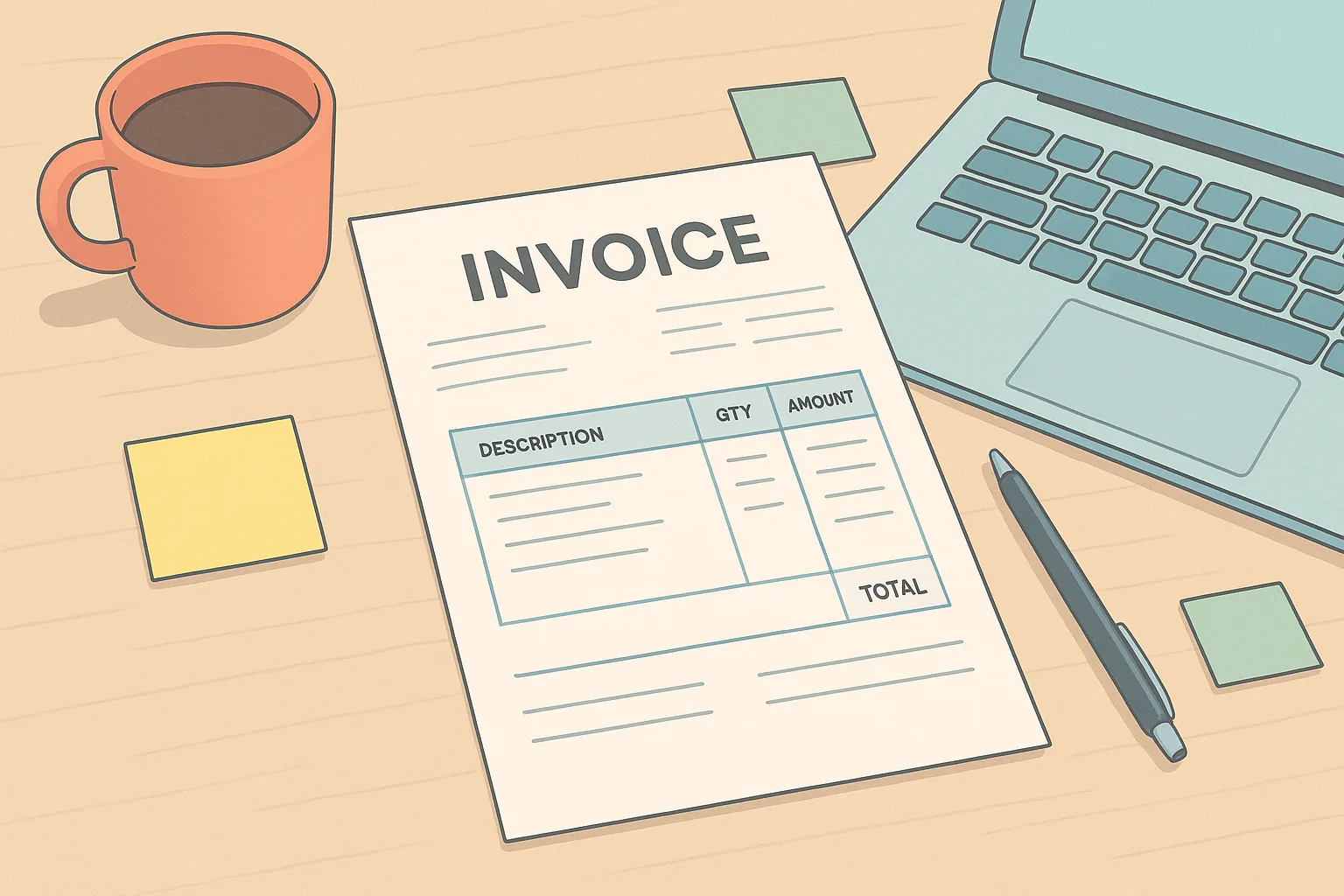
The fastest way to understand an invoice is to see one. This guide shows you what a real invoice looks like — every zone, every field, labeled — so you can read one at a glance or build your own from scratch.
New to invoices entirely? Start with What is an invoice? first, then come back here for the visual breakdown.
The three zones every invoice shares
No matter the industry, most invoices divide into three vertical zones when you read from top to bottom. Once you can spot these zones, every invoice you encounter will make immediate sense.
Zone 1 — The header (top): Who is billing whom, and when.
Zone 2 — The line-item table (middle): What was delivered and what it costs.
Zone 3 — The totals and payment footer (bottom): How much is due and how to pay.
Think of an invoice like a boarding pass. It looks busy at first, but it's organized into distinct sections — and once you know which zone holds which detail, your eye goes straight to what matters.
Zone 1: The header — who, when, and what invoice number
The top section of an invoice contains identifying information for both parties, plus the reference details needed to track the document.
| Header field | What it looks like in practice |
|---|---|
| Sender name / logo | "Maya Chen Freelance" or a small logo, top-left |
| Sender contact | Email and phone number, just below the name |
| Bill To | Client's name, company, and mailing address |
| Invoice number | A unique code: INV-007, #2024-003, etc. |
| Invoice date | The day the invoice was issued |
| Due date | "Due: July 10, 2026" — always a specific date |
Why the due date matters: An invoice with no due date is an invoice with no deadline. Clients treat missing due dates as optional, which is why payment gets delayed. Always write the specific date, not just "Net 30" — or write both: "Net 30 — due July 10, 2026."
Zone 2: The line-item table — what was delivered
The middle section is a table. Each row is one thing you are charging for.
Here is a real example for a freelance graphic designer:
| Description | Qty | Rate | Line Total |
|---|---|---|---|
| Logo design — initial concepts | 1 | $400.00 | $400.00 |
| Logo revision rounds | 2 | $60.00 | $120.00 |
| Brand color guide (PDF) | 1 | $80.00 | $80.00 |
| Subtotal | $600.00 | ||
| Sales tax (if applicable) | — | ||
| Total Due | $600.00 |
And here is a simpler example — a dog walker billing for one week:
| Description | Qty | Rate | Line Total |
|---|---|---|---|
| Dog walking — 30 min session | 4 | $20.00 | $80.00 |
| Total Due | $80.00 |
Tips for writing line items:
- Be specific: "4 × 30-min dog walking sessions" is clearer than "dog walking"
- Include service dates in the description if it helps the client match to their own records
- One row per distinct service — do not bundle unrelated work into a single line
A note on sales tax: whether you charge it depends on your state and the type of service. Many services are not taxable. Do not assume you must add tax — verify with your state's revenue department. (General information, not legal or tax advice.)
Zone 3: The totals and payment footer
The bottom section closes the invoice. It shows:
- Subtotal — sum of all line items before any tax
- Tax — only if applicable in your jurisdiction
- Total amount due — the bold number the client looks for first
- Payment instructions — how to pay (bank transfer, PayPal, check, etc.) and any account details
- Payment terms — the deadline and any late-fee policy
- Notes — optional thank-you line or reference to a contract
Worked example — payment footer text:
Total Due: $600.00
Payment Terms: Net 15 (due July 5, 2026)
Pay via: PayPal to maya@mayachendesign.com — or bank transfer (details below)
Questions? Email maya@mayachendesign.com

Thank you for your business!
Full annotated invoice: every field labeled top to bottom
Use this as a checklist the next time you are staring at an unfamiliar invoice or building your own:
- Sender name / logo — top-left or top-center; who is issuing the bill
- Sender contact details — email, phone, address
- "Bill To" block — client's name, company, contact info
- Invoice number — unique reference, usually top-right
- Invoice date — when it was issued
- Due date — the specific calendar date payment must arrive
- Line-item table — one row per service or product: description, quantity, rate, line total
- Subtotal — sum of all rows before tax
- Tax line — only if applicable; leave blank or omit if not charging tax
- Total amount due — the bold, unavoidable number
- Payment instructions — how to send money and to what account or address
- Notes / thank-you — optional; a warm close goes a long way
The one field that trips people up most: the due date. A missing due date is the single easiest way to accidentally delay your own payment. Write it every time.
Keeping copies of your invoices also matters beyond getting paid — the IRS expects small businesses to keep records that support their income, and sent invoices are exactly those records. (General information, not tax advice.)
What different invoice types look like
Not all invoices follow the same purpose, though they share the same anatomy.
Standard service invoice — the most common; what this guide has shown throughout. One-time billing for completed work.
Recurring invoice — looks identical but is issued on a schedule (monthly retainer, subscription). Often says "Invoice for [Month] — Retainer" in the description.
Pro forma invoice — issued before delivery as an estimate or quote. Looks like a real invoice but is labeled "Pro Forma" or "Estimate" at the top. See What is a proforma invoice? for more.
Receipt — issued after payment, not before. It confirms money was received; it does not request it. The layout is similar but the document is titled "Receipt" and includes the payment date and method.
Ready to build your own? The invoicepdf.io invoice generator lets you fill in each zone and download a clean PDF in minutes — no account needed. Or grab a free invoice template for Google Docs if you prefer a reusable file you can edit and send from Drive.
Frequently Asked Questions
What does an invoice look like for a freelancer?
A freelance invoice has a header with your name and the client's name, an invoice number and date, a line-item table showing the work and rate, a total amount due, and payment instructions. It fits on one page and reads top to bottom in three zones. See the labeled list above for every field.
What is the difference between an invoice and a receipt?
An invoice requests payment before money changes hands. A receipt confirms that payment was received. They look similar but serve opposite purposes in time. For the full comparison, see invoice vs. receipt, or check What is an invoice? for the definition side.
Can I handwrite an invoice?
Yes. A handwritten invoice is fine for informal situations like tutoring or babysitting. Include the date, what the work was, the amount owed, and your name. The same three-zone structure still applies.
Is it okay to use a free invoice template?
Absolutely. Free templates are professional and effective as long as they include all the essentials: names, services, amounts, due date, and payment instructions. The invoice generator on this site is free and produces a properly structured PDF.
What if I forget to include something on an invoice?
Send a revised version. Label it clearly — for example, "Invoice #104A — Revised" — and briefly explain what changed. Clients appreciate transparency over silence.